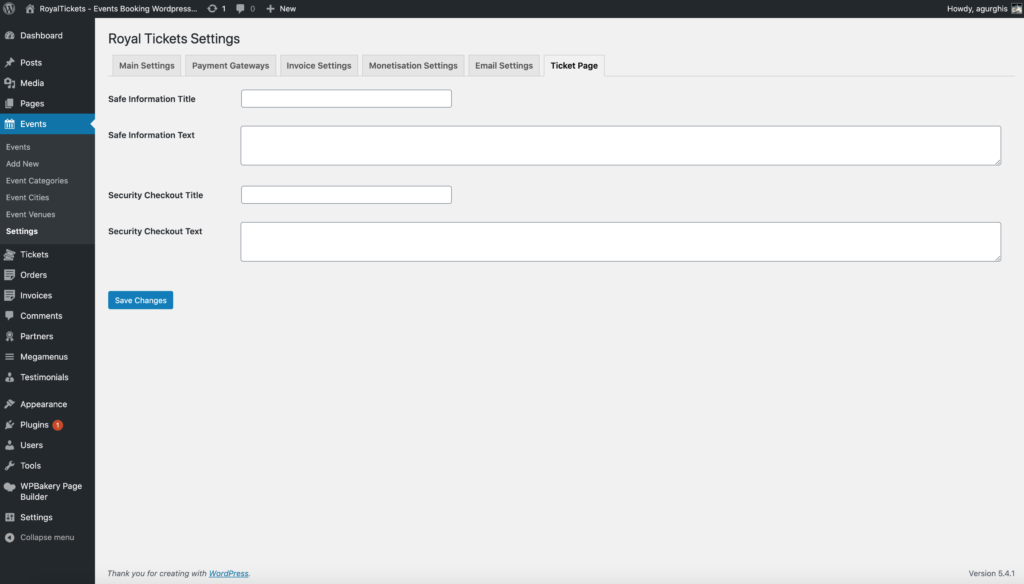
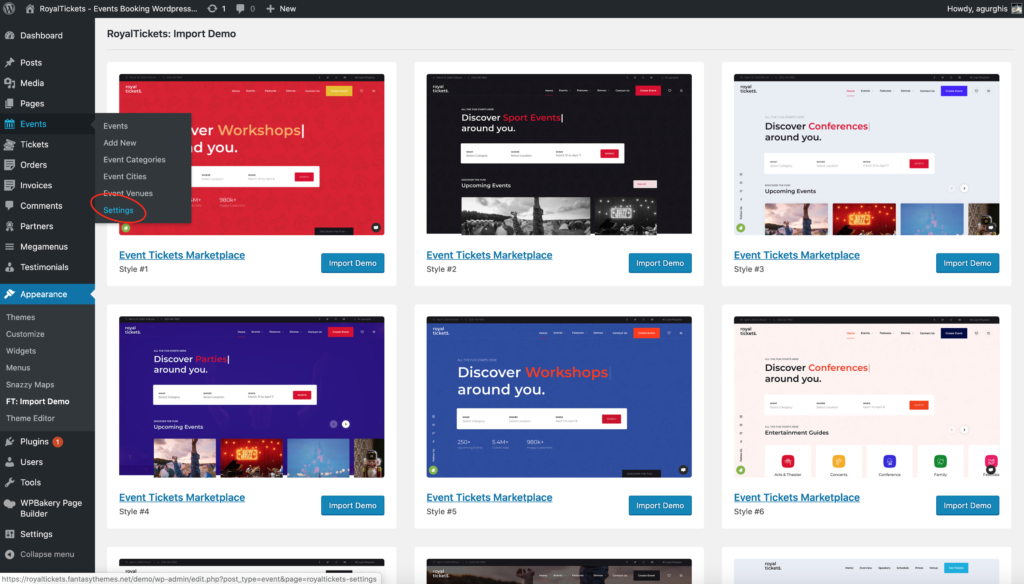
To open the theme settings, go to Events → Settings.
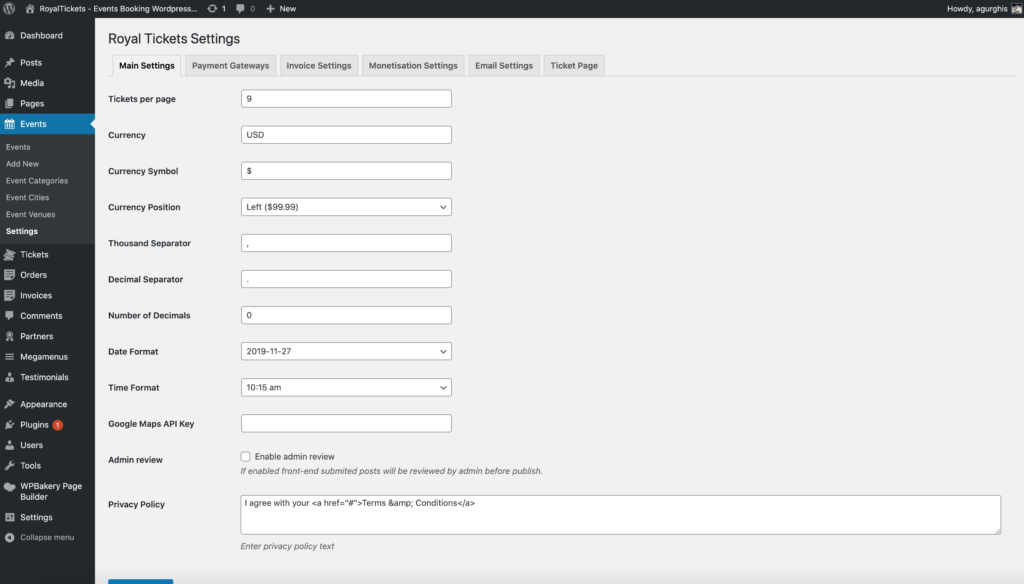
Main settings
| Setting | Description |
|---|---|
| Events per page | The number of events per page on the events archive page. |
| Currency | The currency. |
| Currency Symbol | The currency symbol. |
| Currency Position | The options are Left, Right, Left with space and Right with space. |
| Thousand Separator | . by default. |
| Decimal Separator | , by default. |
| Number of Decimals | 0 by default. |
| Date Format | The date format for events. |
| Time Format | The time format for events. |
| Google Maps API Key | You need a Google Maps API key for maps to work properly. Get one from the Google Maps documentation. |
| Admin review | Choose whether you want to review the events and tickets submitted by organisers (for a marketplace website). |
| Privacy Policy | The privacy policy text shown on registration and event submission. |
Payment gateways
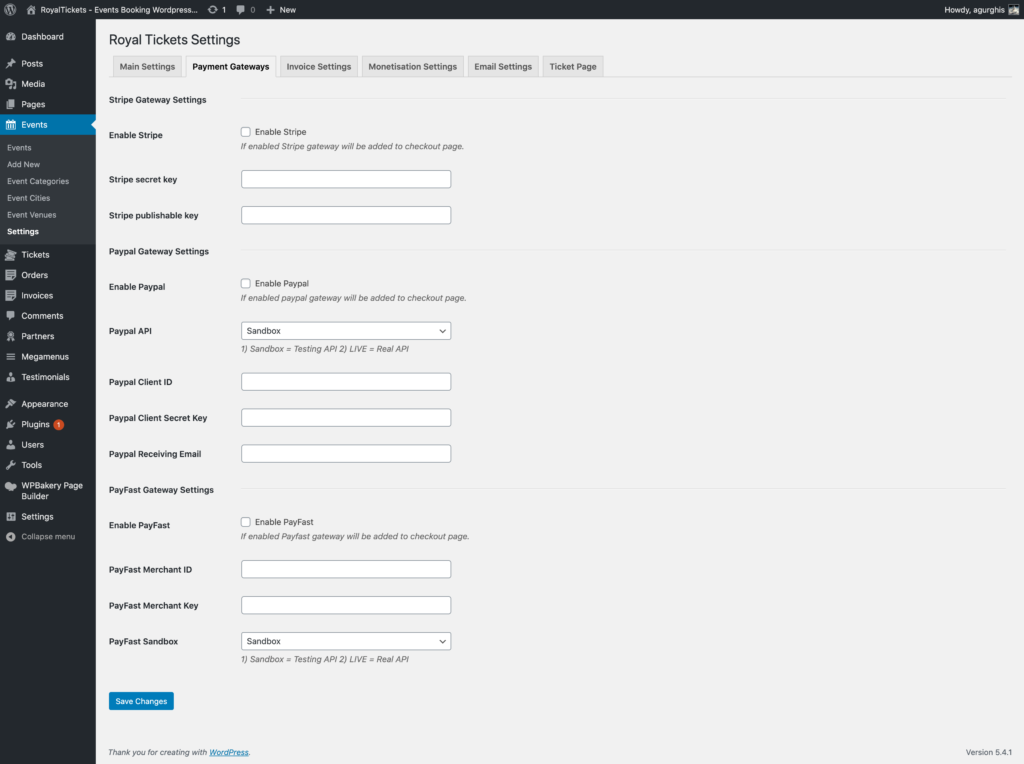
- Stripe Gateway Settings: the settings for the Stripe integration.
- Paypal Gateway Settings: the settings for the PayPal integration.
- PayFast Gateway Settings: the settings for the PayFast integration.
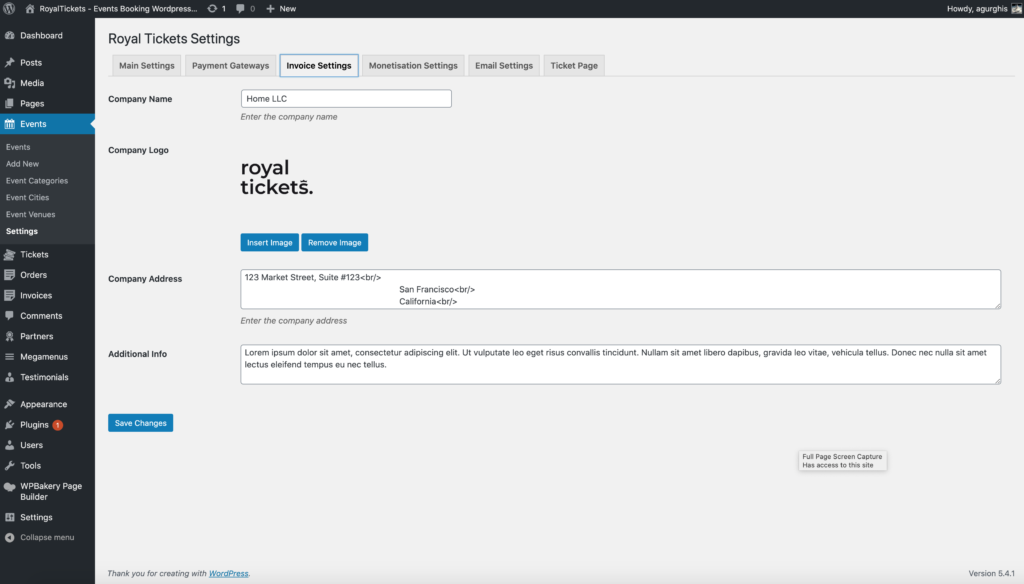
Invoice settings
Here you set up the invoice design.
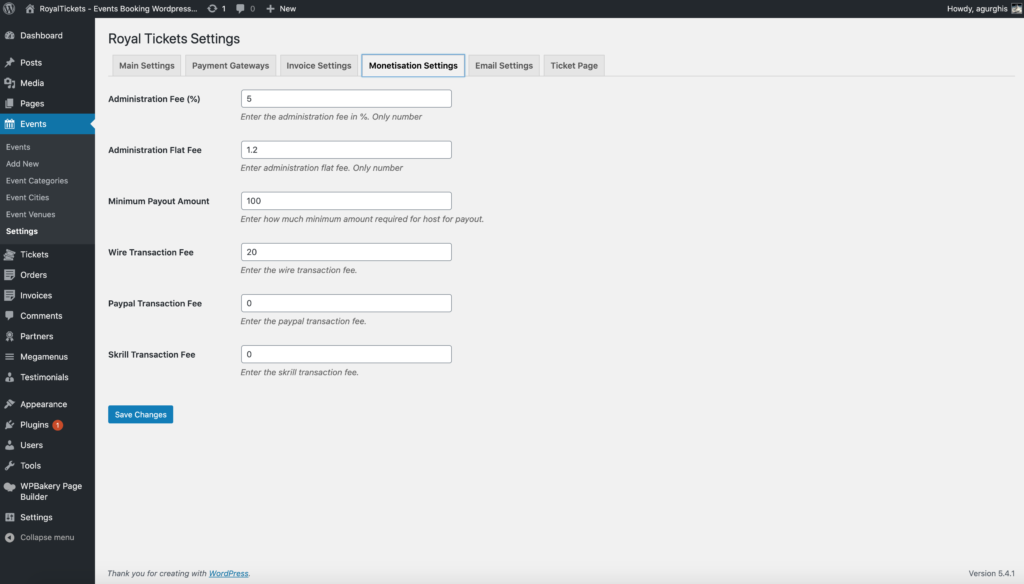
Monetisation settings
Here you set up the monetisation fees and the payout settings.
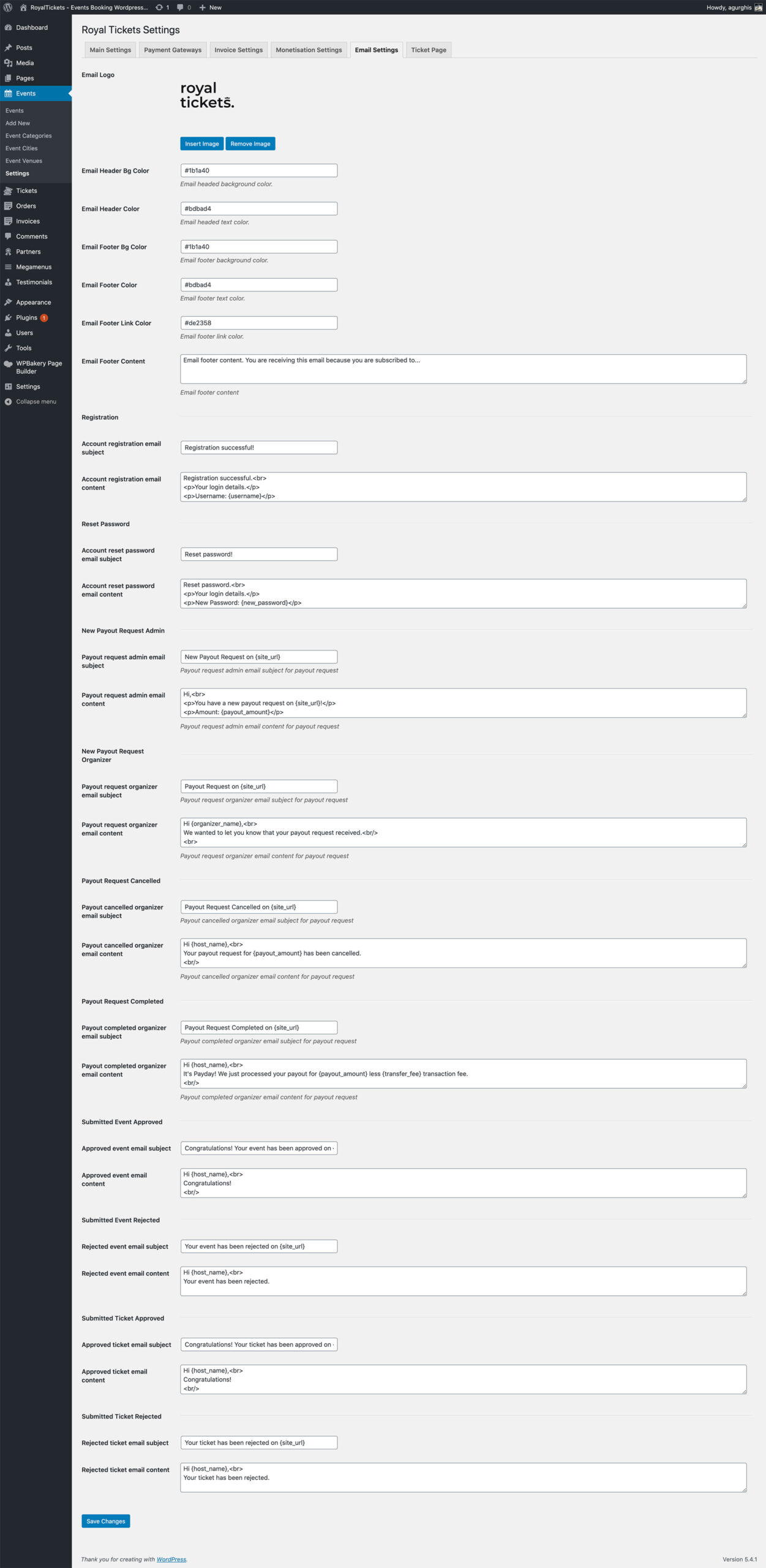
Email settings
Here are the settings for the email notifications.
Ticket page
Here are the settings for the ticket page.