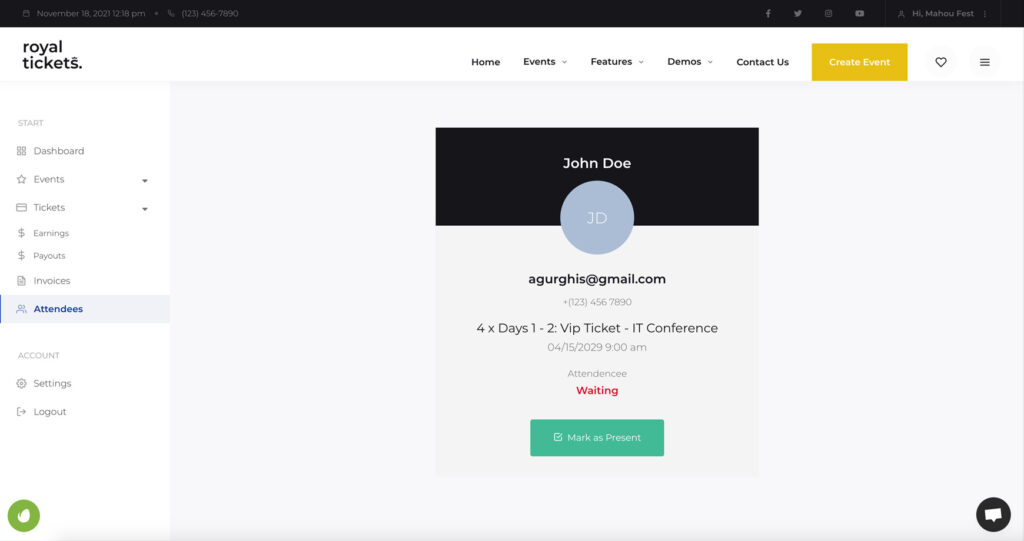
The RoyalTickets WordPress theme has a built-in attendee check-in function.
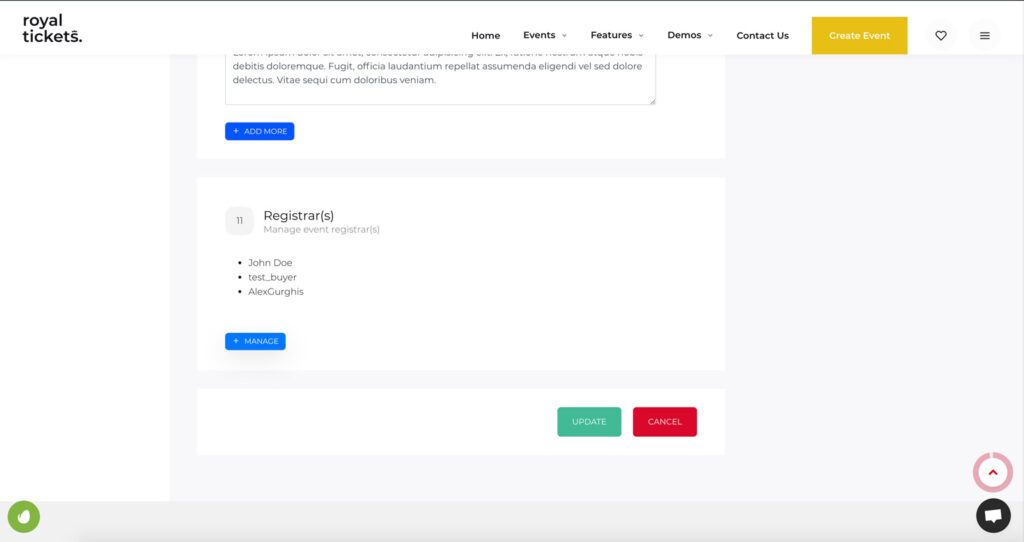
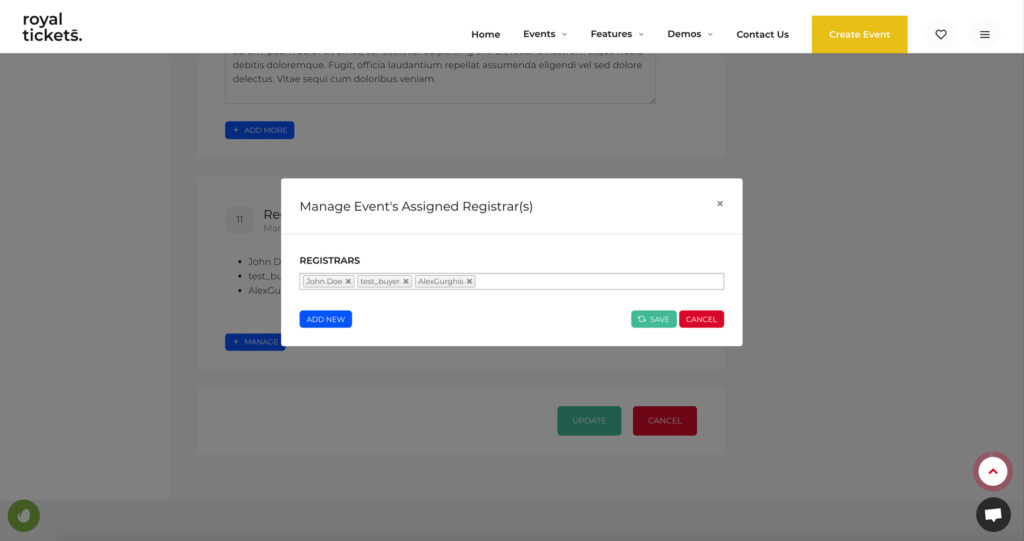
The Add/Edit Event page has a Registrar(s) section. Here you can manage the event registrars.
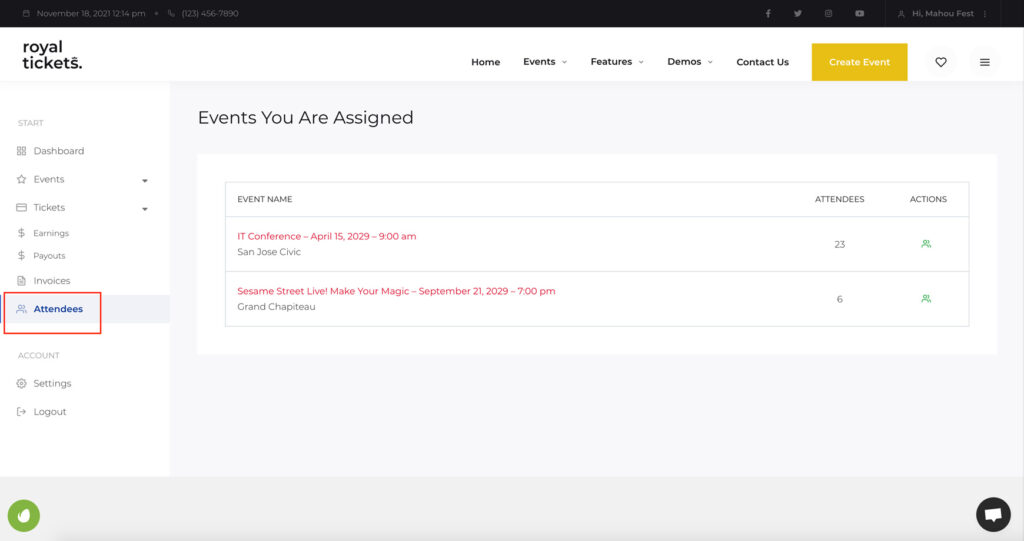
If you are assigned as a registrar to an event, or you have events of your own, the dashboard has an Attendees page. Click the View Attendees icon to open a list of attendees with their details and an option to mark them as present (check in).
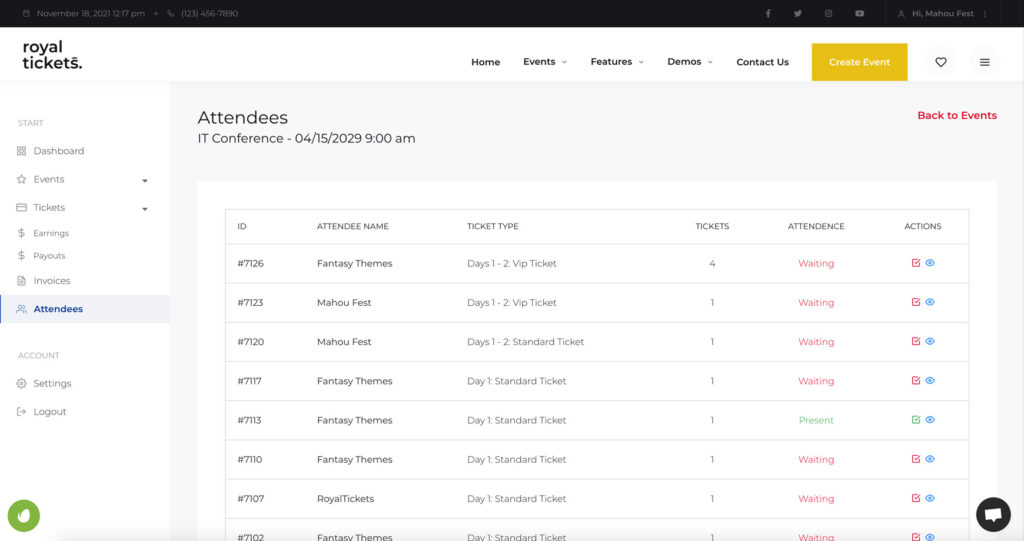
The QR code added to the email opens the attendee details page directly. There, the organiser or registrar can change the Attendance Status (check the attendee in).