FantasyThemes See the themes

Docs / RoyalTickets / Pages

Front dashboard

The RoyalTickets theme comes with a built-in front-end Dashboard. It has pages for the admin as well as for vendors and buyers. If you chose to import the demo, the front-end pages are imported and already set up. If you want to build the demo yourself, here is the list of front dashboard pages you need to create:

  • Dashboard
  • Add Event
  • Add Ticket
  • Earnings
  • Events
  • Tickets
  • Purchased Tickets
  • Invoices
  • All Payouts
  • Payouts
  • Pending Events
  • Pending Tickets
  • Pending Payouts
  • Request Payout
  • Users
  • Settings

To create a front-end page, follow the usual page creation steps and select the page template.
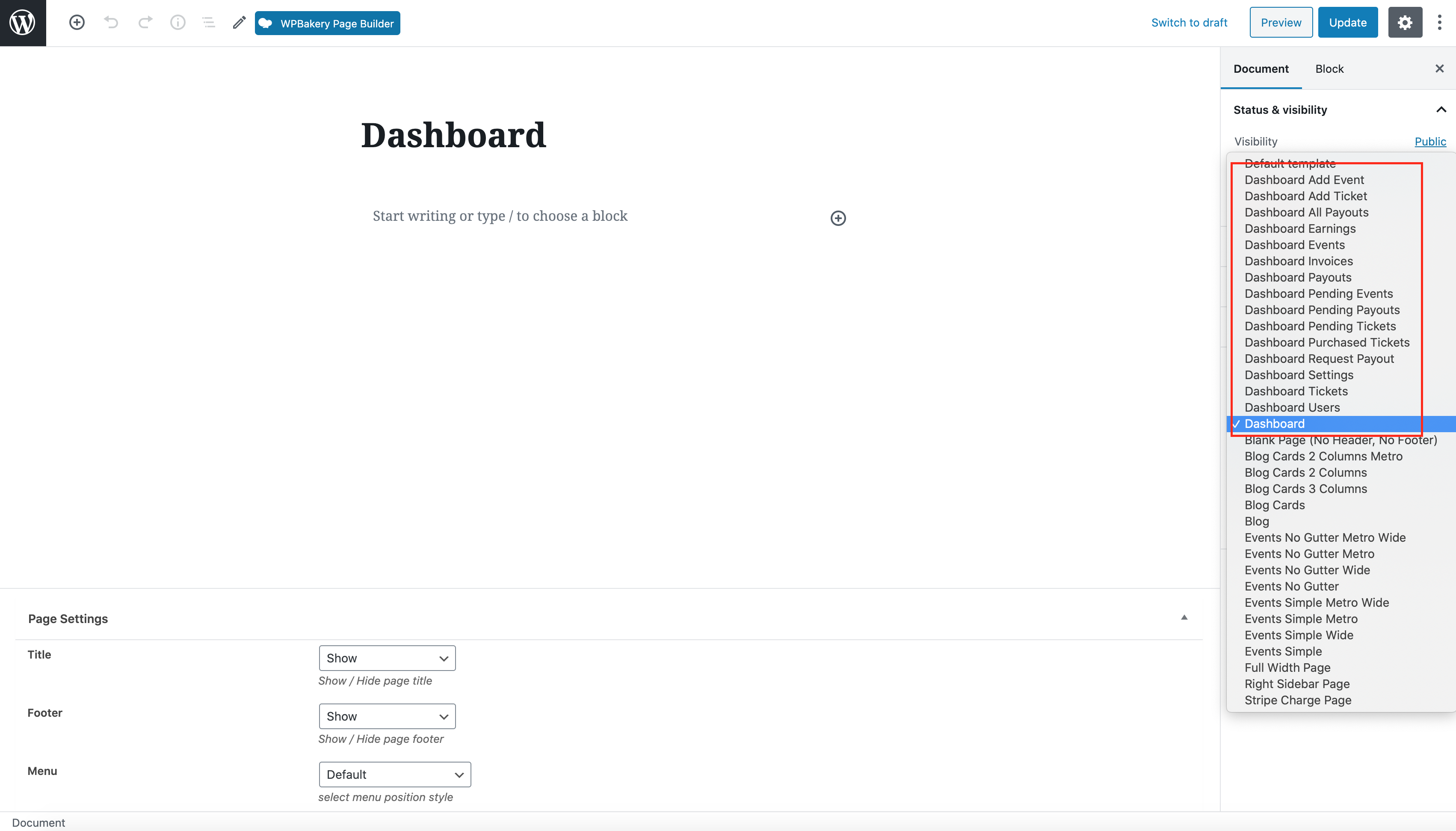
The WordPress page editor for a page named Dashboard, with the Dashboard page templates highlighted in the template list

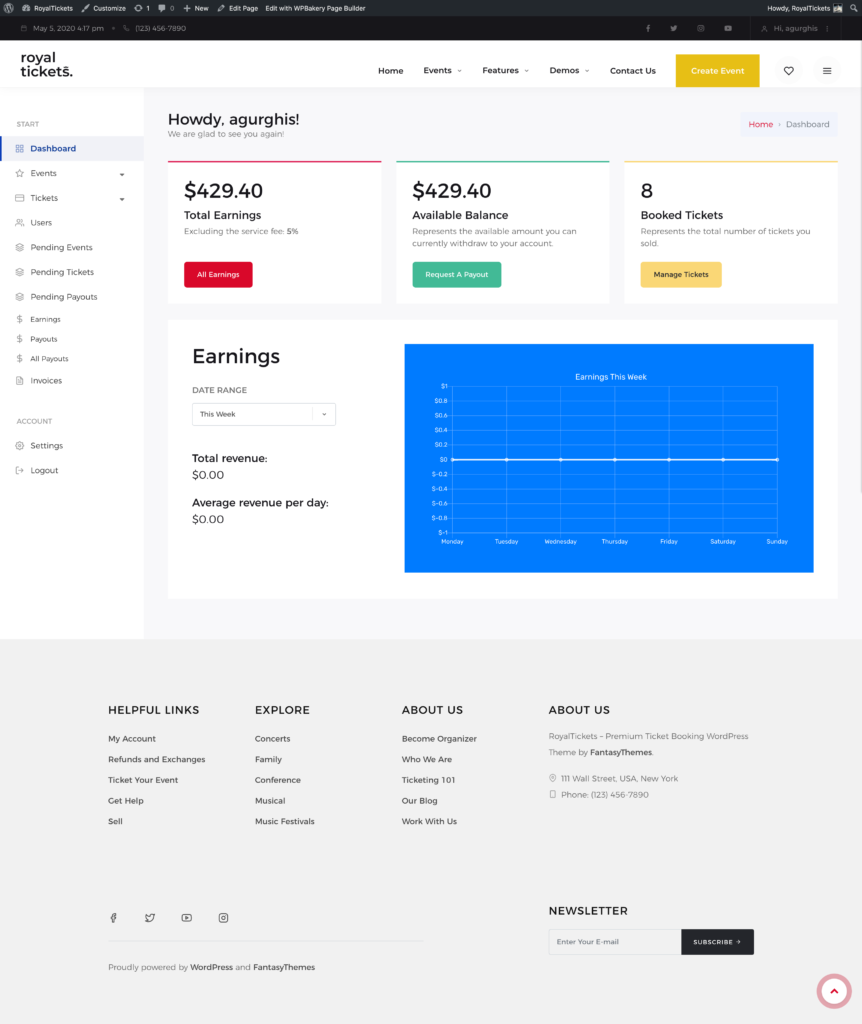
Dashboard

The Dashboard page with total earnings, available balance, booked tickets and an earnings chart

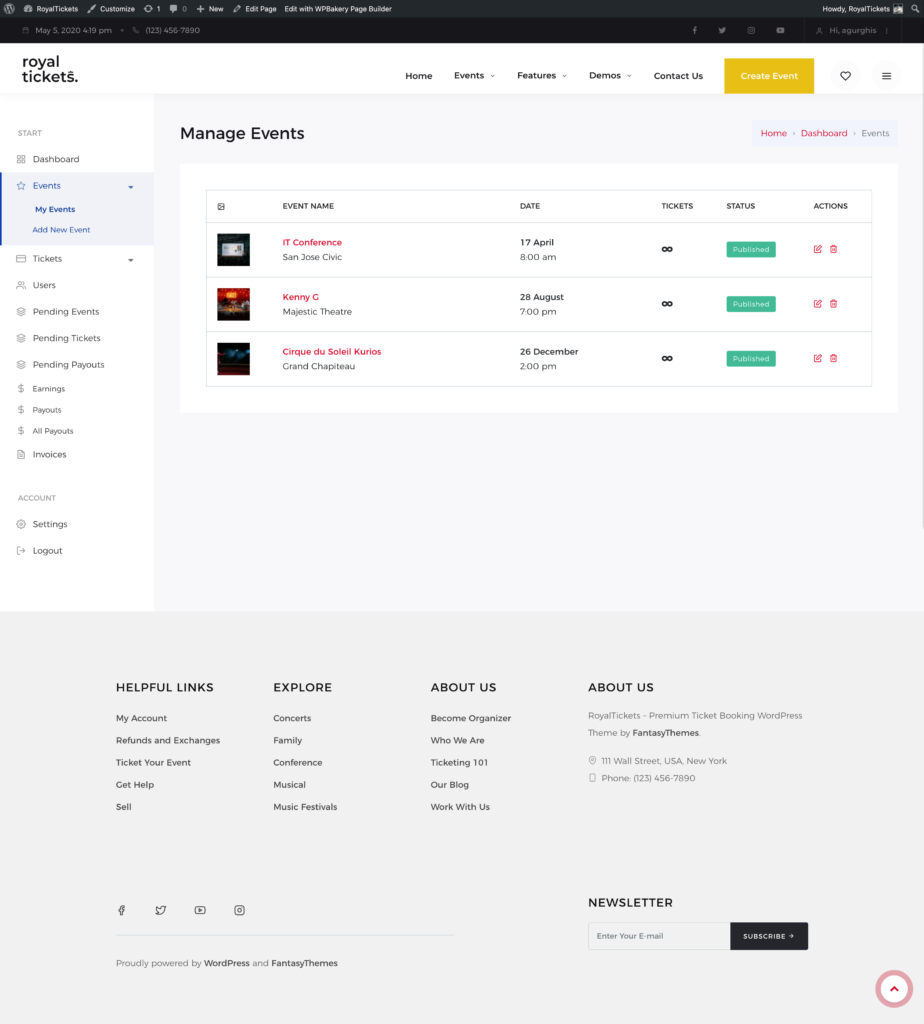
My events

The My Events page with a table of events showing date, tickets, status and actions

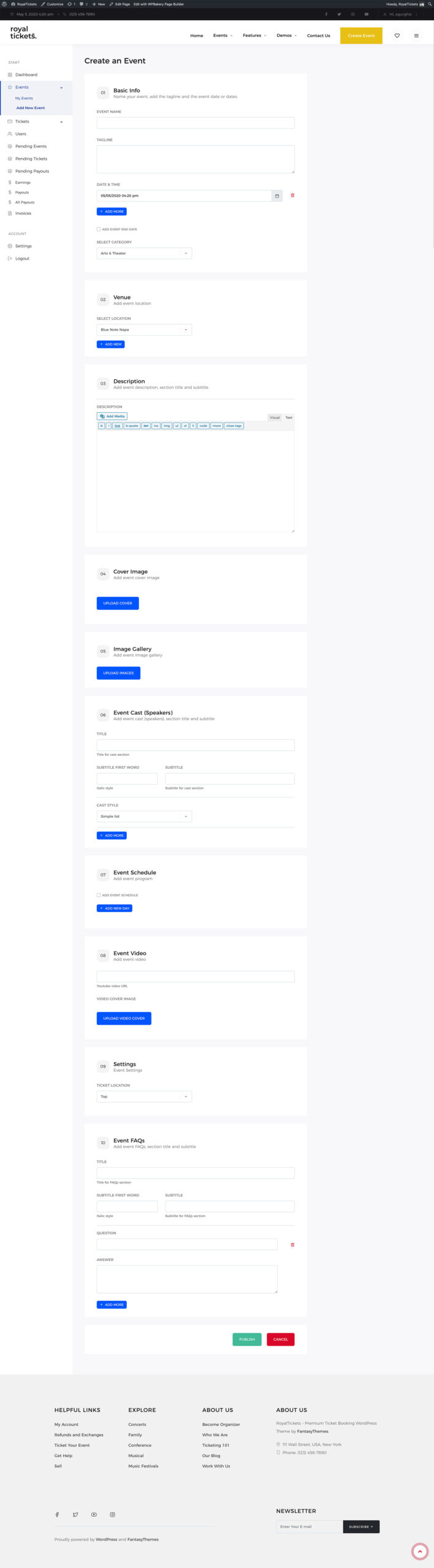
Add new event

The Add New Event page, a form with sections for basic info, venue, description, cover image, image gallery, event cast, schedule, video, settings and FAQs

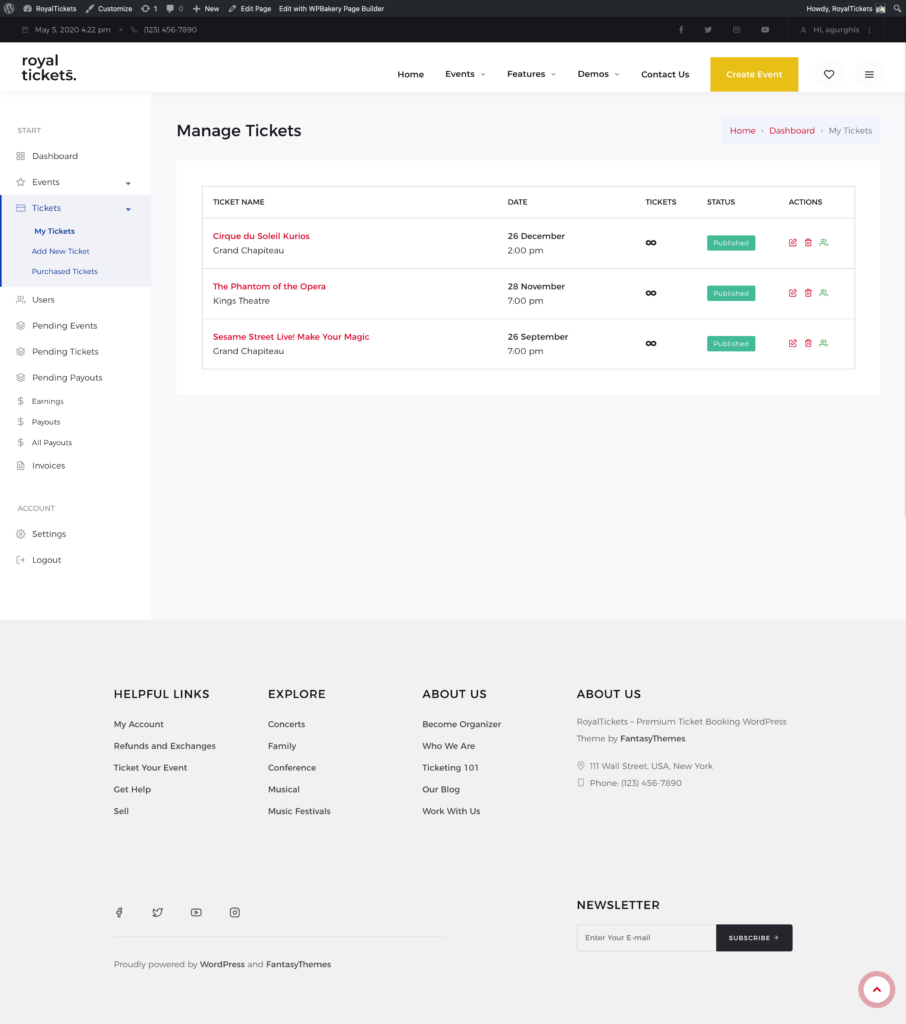
My tickets

The My Tickets page with a table of tickets showing date, status and actions

Add new ticket

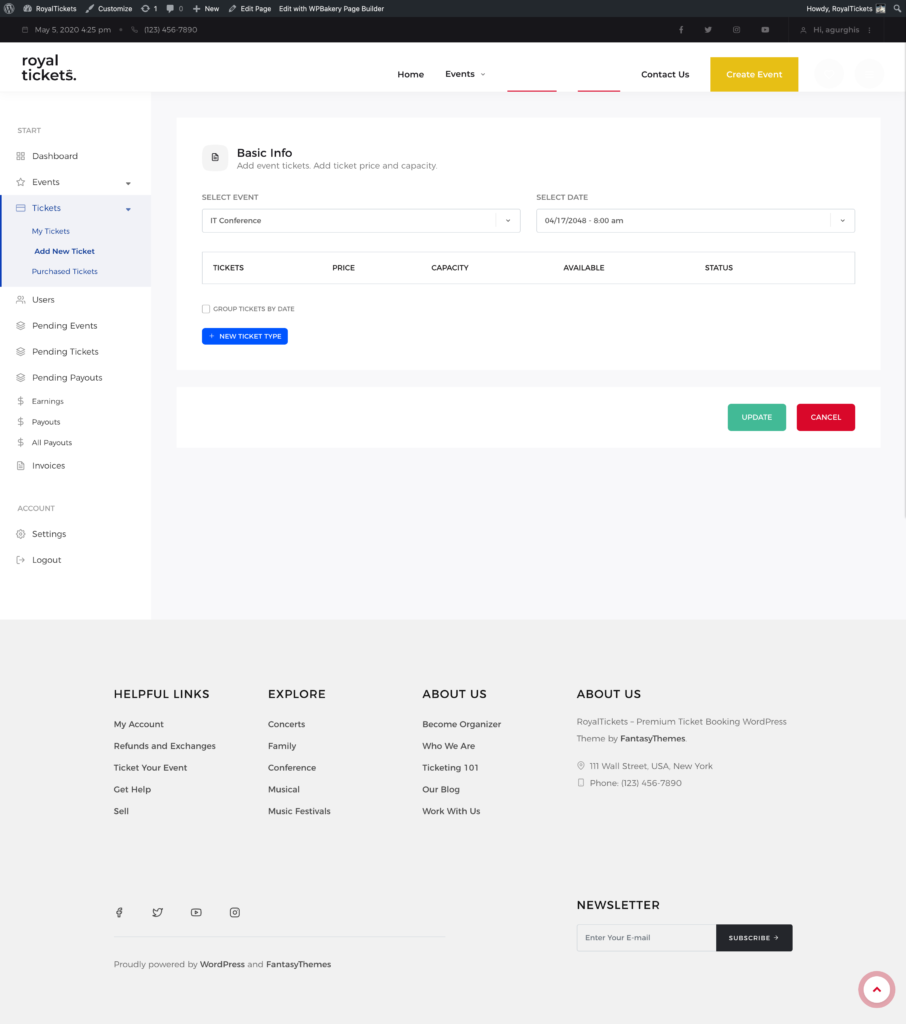
The Add New Ticket page with event and date selectors and a table of ticket types

Purchased tickets

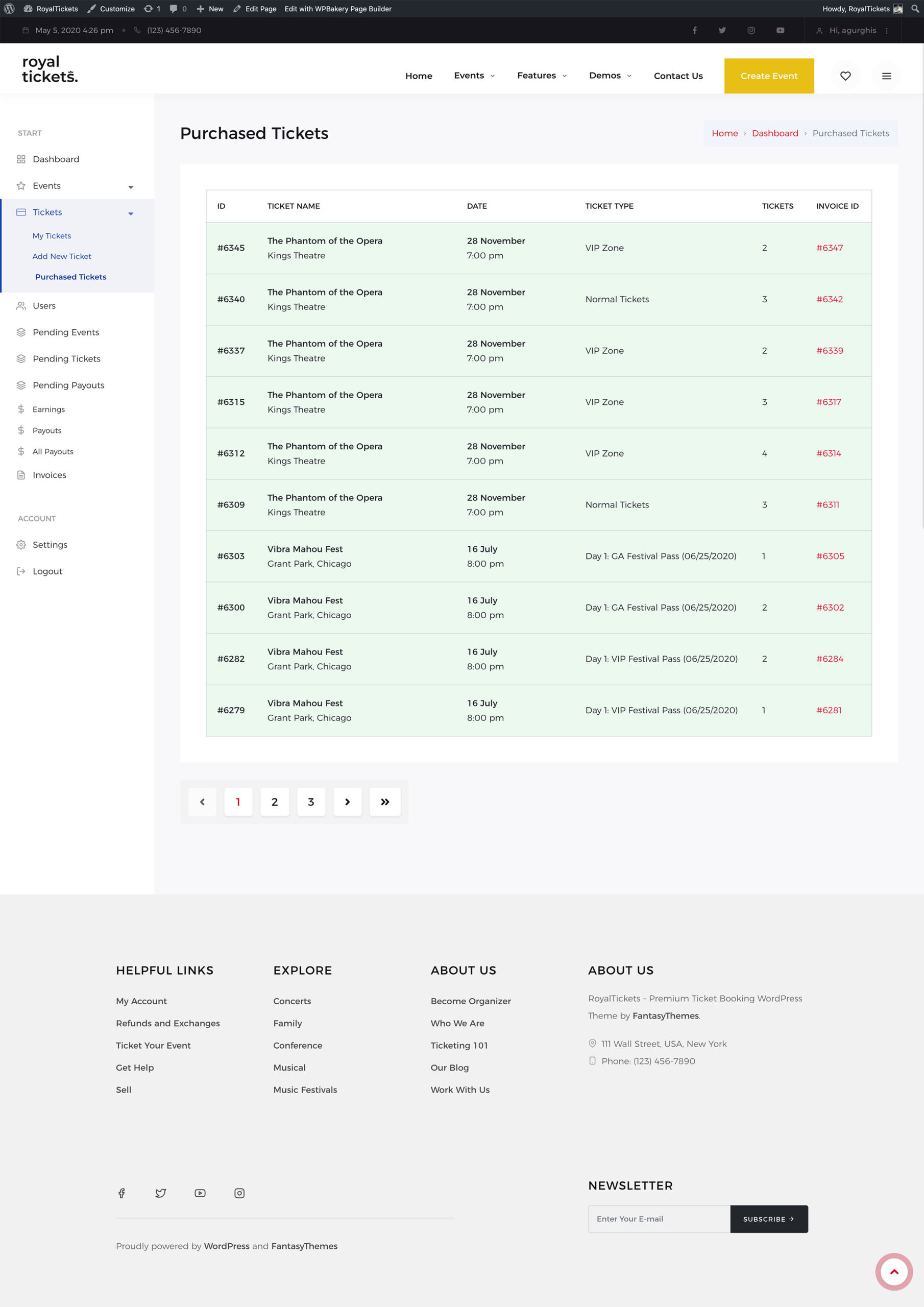
The Purchased Tickets page with a table of purchases showing ID, ticket name, date, ticket type, number of tickets and invoice ID

Users

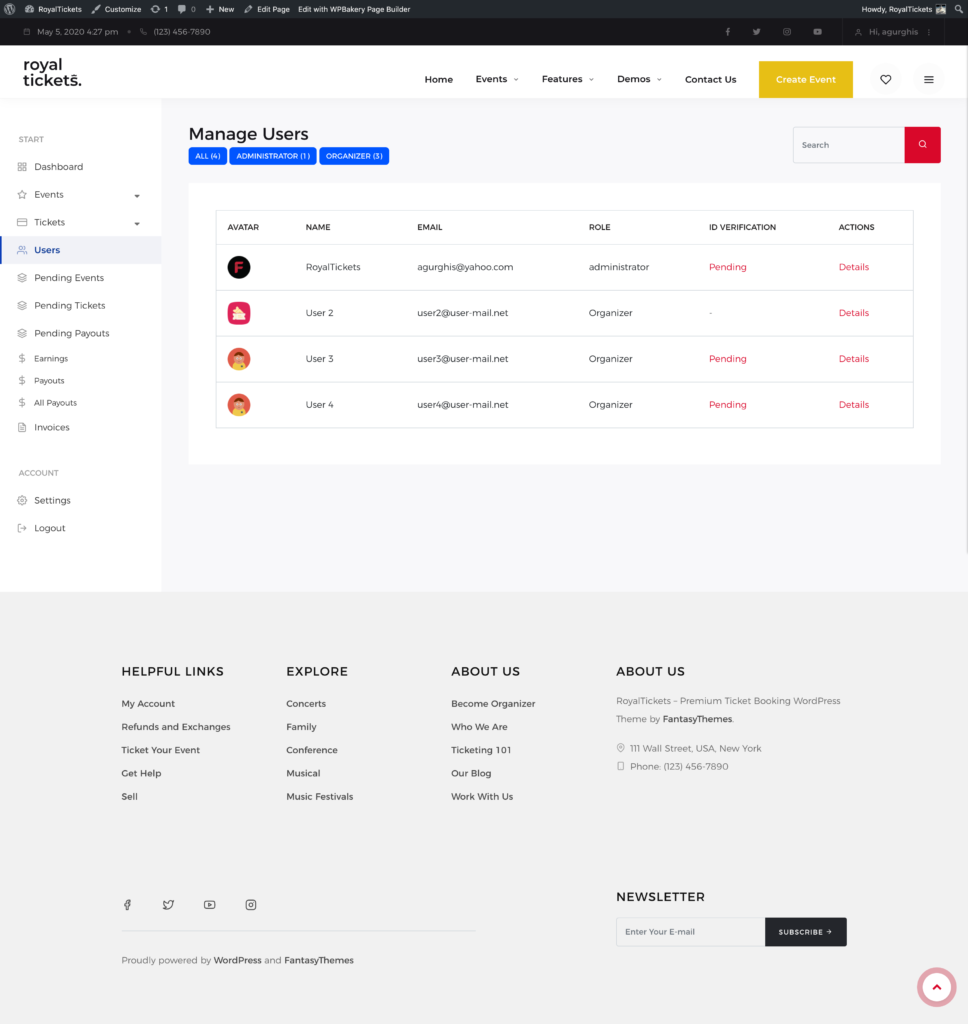
The Users page with a table of users showing name, email, role and ID verification status

Pending events

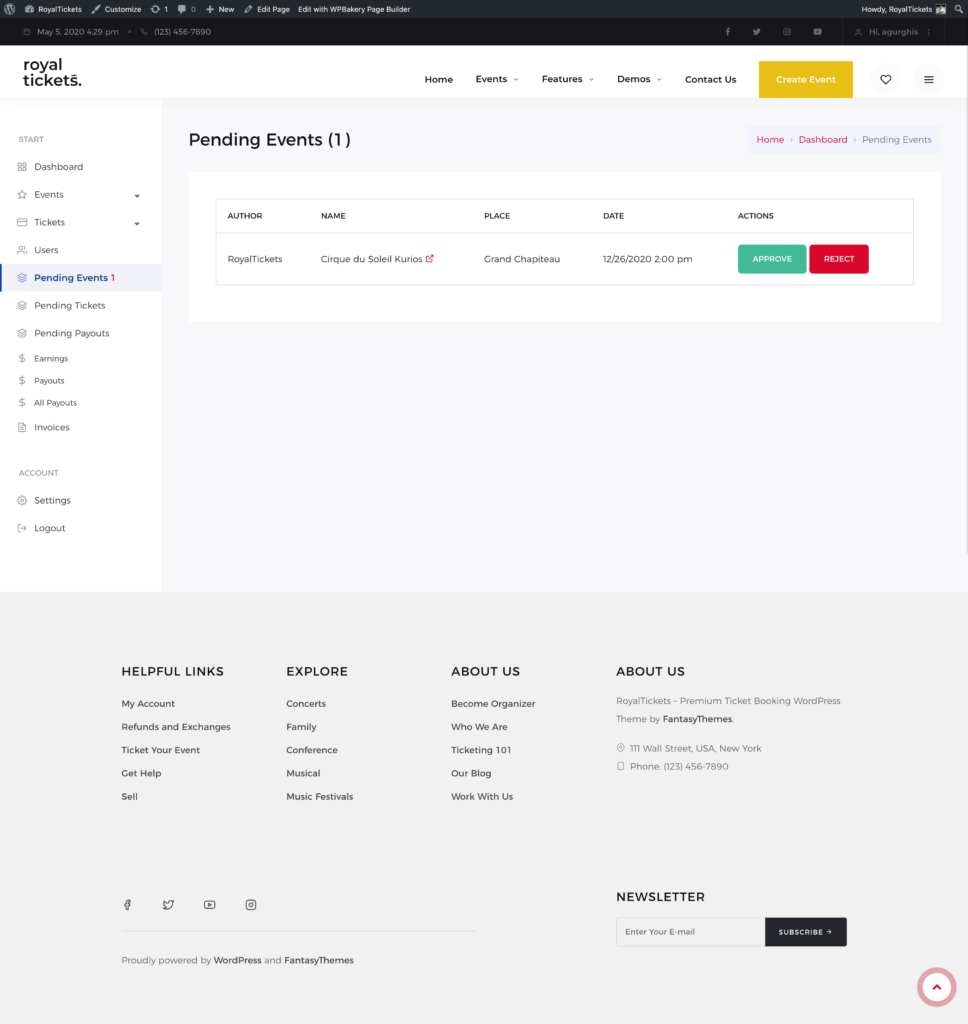
The Pending Events page with one event waiting for review and the Approve and Reject buttons

Pending tickets

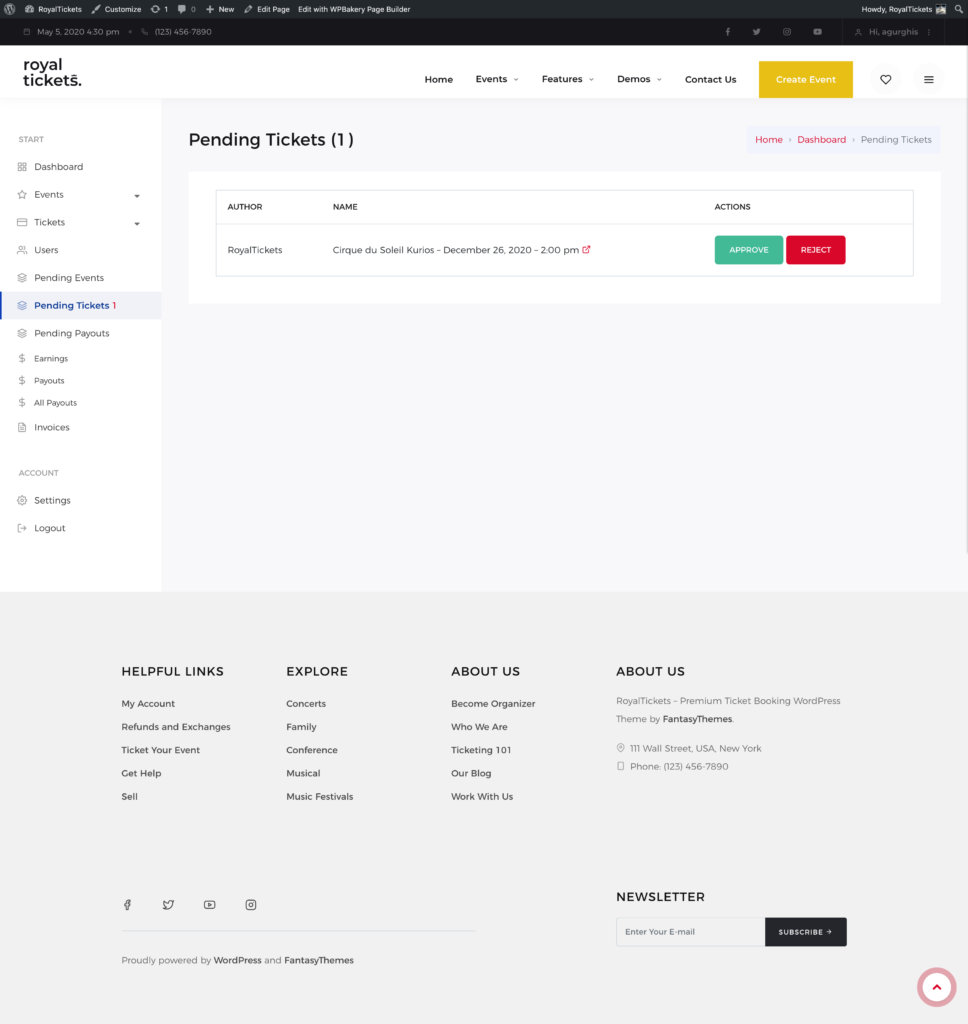
The Pending Tickets page with one ticket waiting for review and the Approve and Reject buttons

Pending payouts

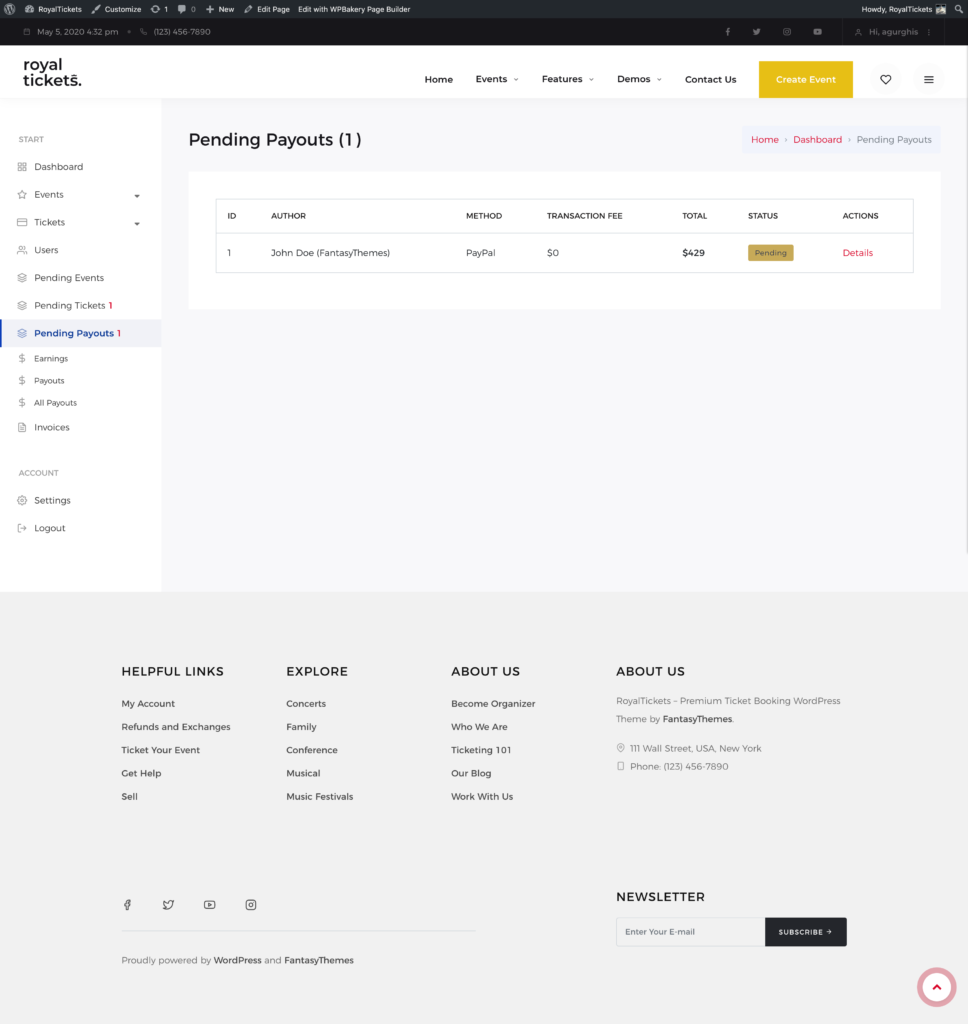
The Pending Payouts page with one payout request showing method, transaction fee, total and status

Earnings

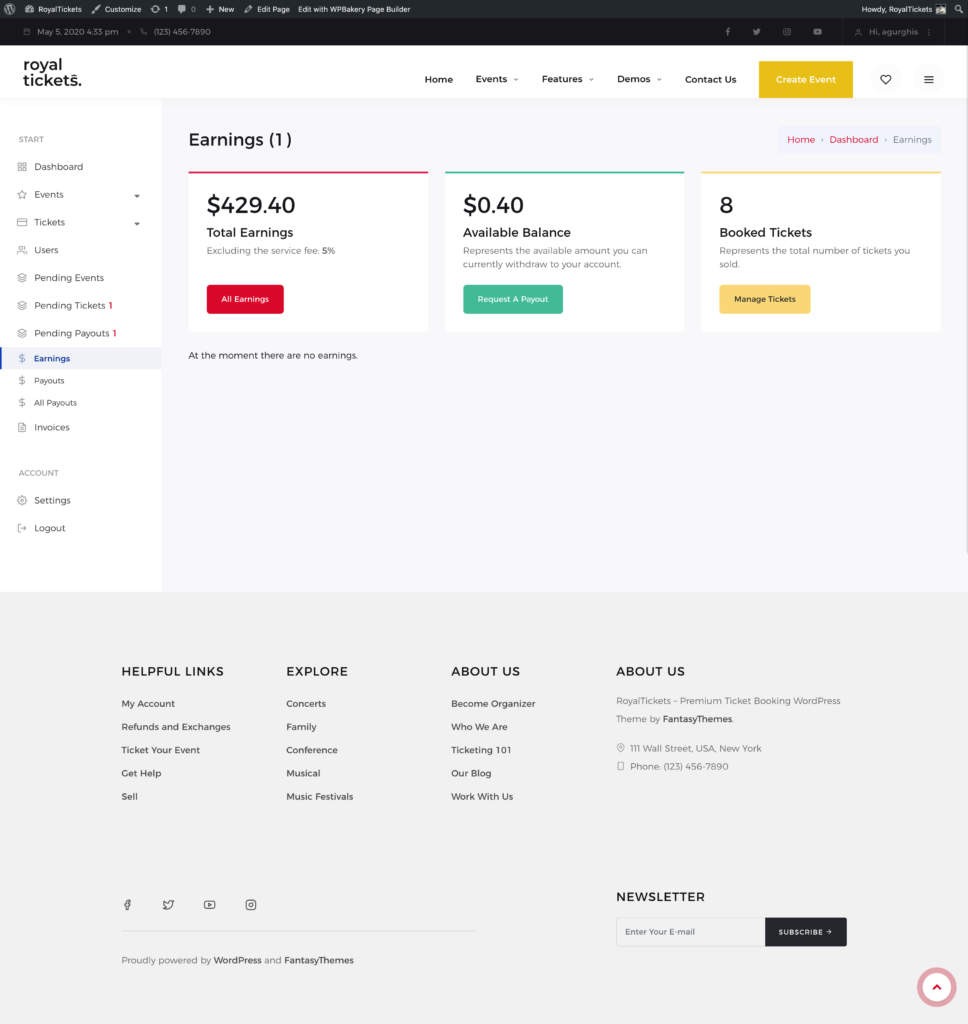
The Earnings page with total earnings, available balance and booked tickets

Payouts (my payouts)

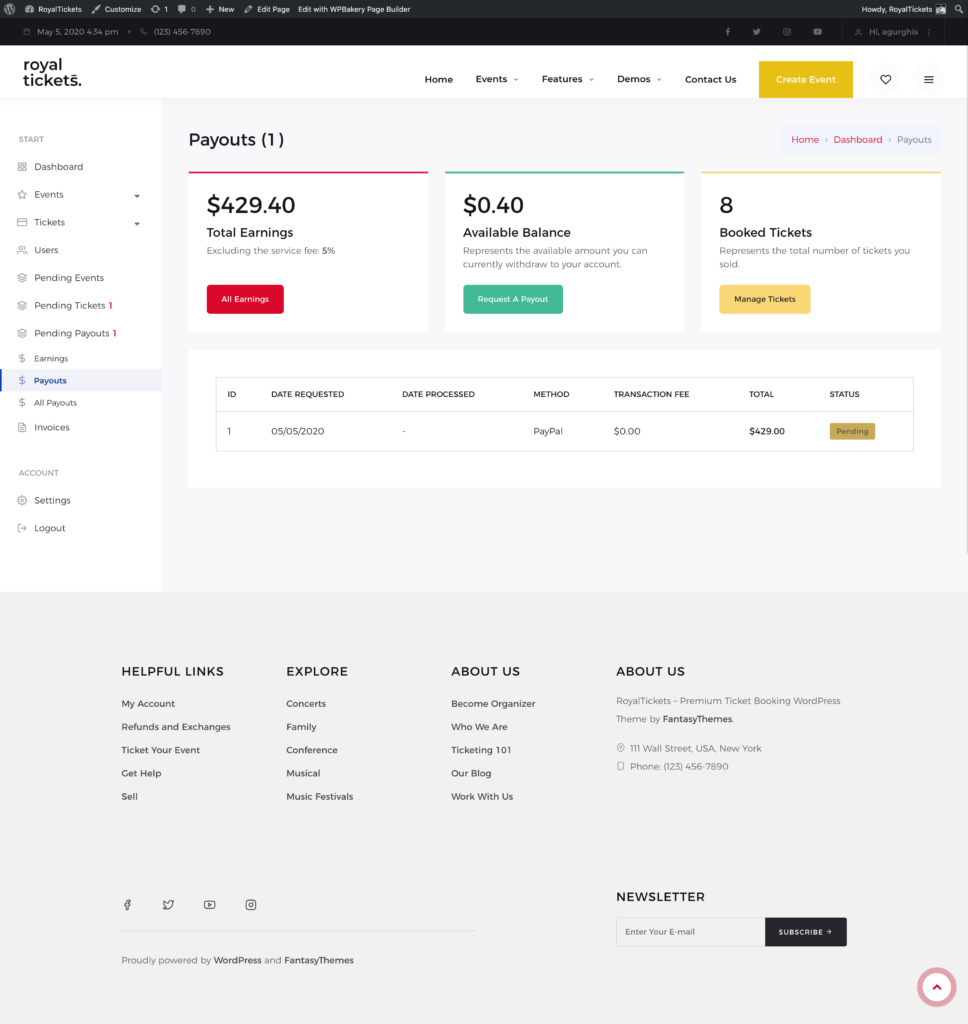
The Payouts page with the earnings summary and a table of your payout requests

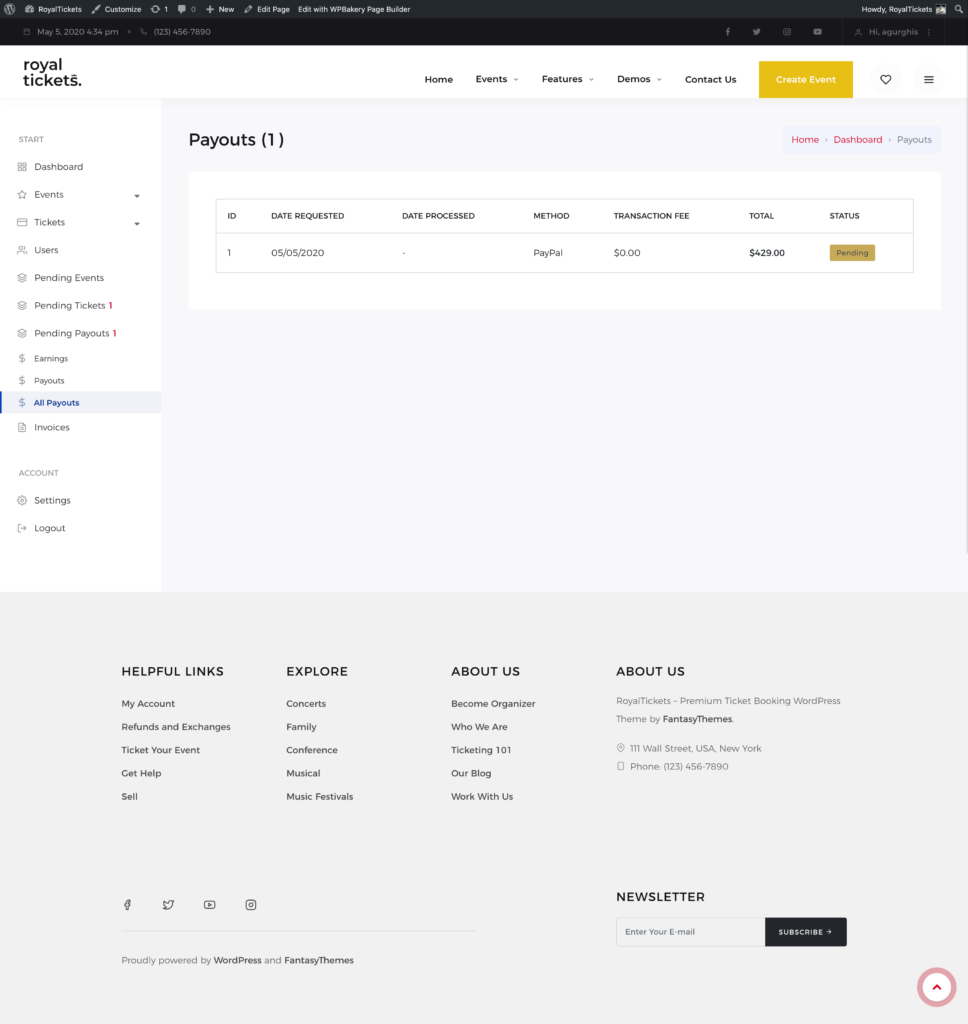
All payouts (only for admin)

The All Payouts page with a table of payout requests showing dates, method, transaction fee, total and status

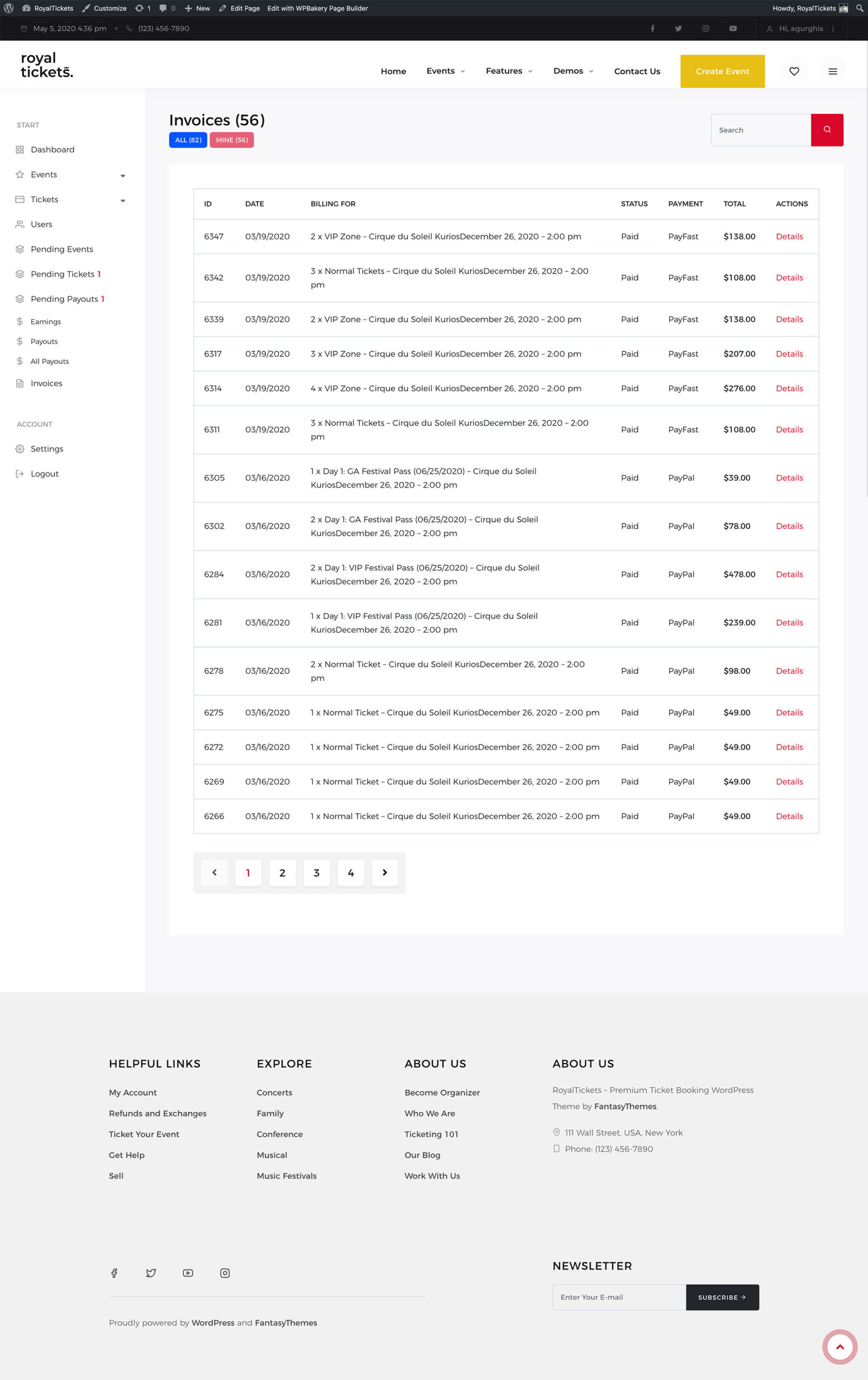
Invoices

The Invoices page with a table of invoices showing date, billing details, status, payment method and total
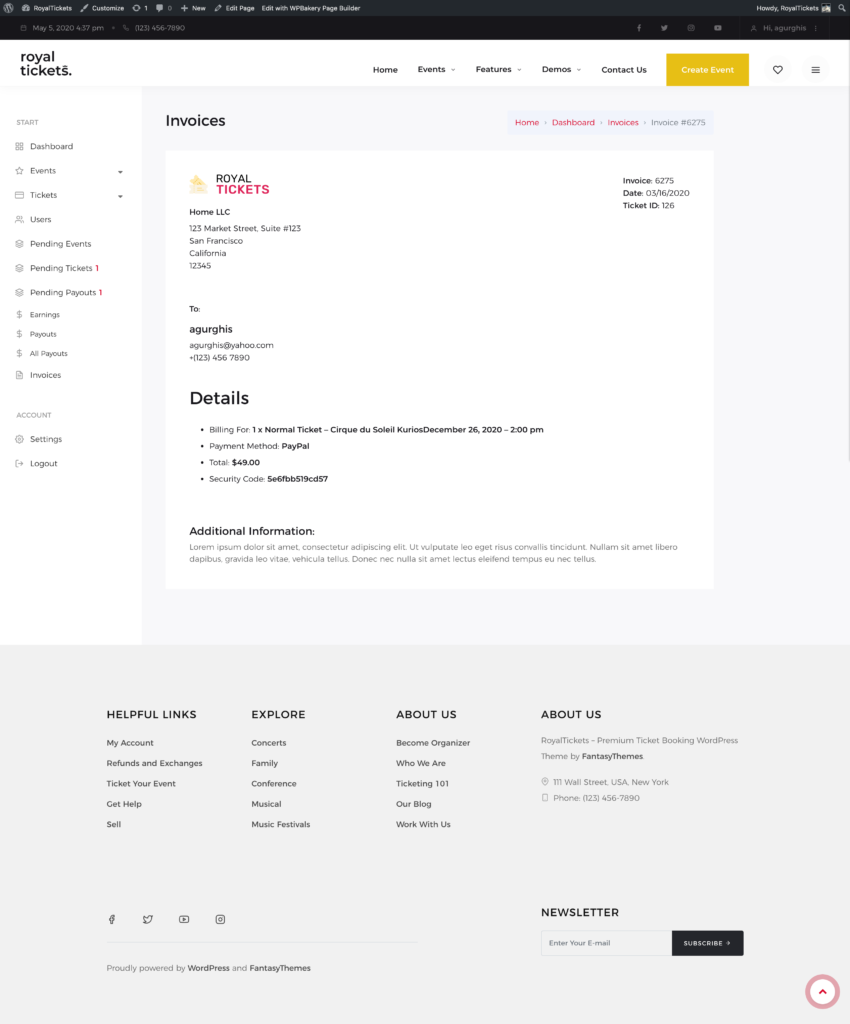
A single invoice with the company details, the buyer details and the billing details

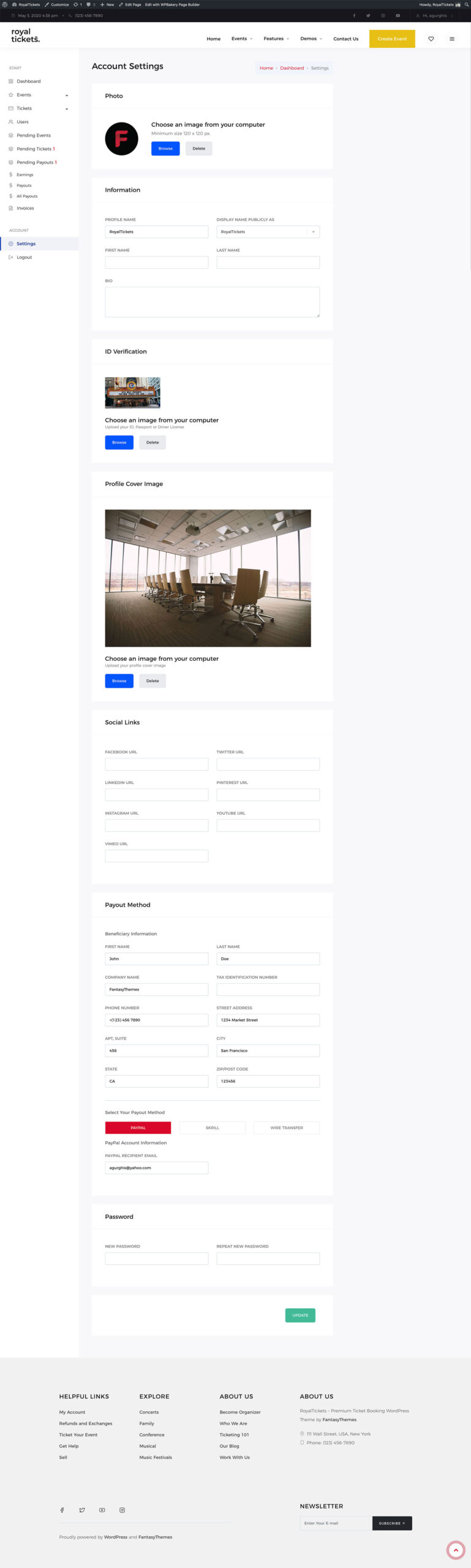
Settings

The Settings page with sections for photo, information, ID verification, profile cover image, social links, payout method and password