FantasyThemes See the themes

Docs / casaRoyal / Getting started

Quick setup wizard and demo content

The quick setup wizard sets up the required pages, monetisation and a few other options, and lets you import the demo content.

  1. To run the quick setup wizard, go to Appearance → casaRoyal Quick Setup Wizard.
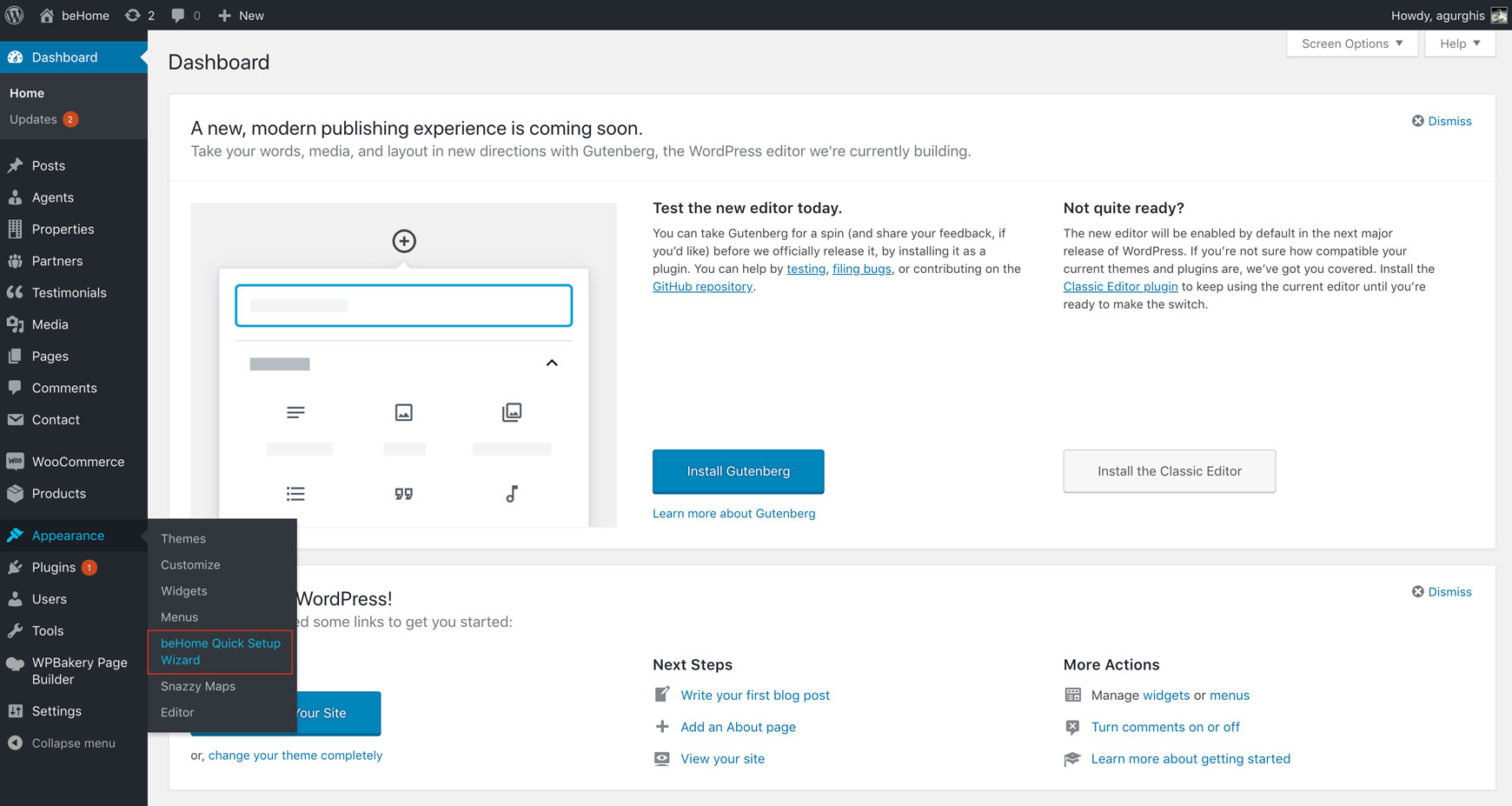
    WordPress Appearance menu with the Quick Setup Wizard item highlighted
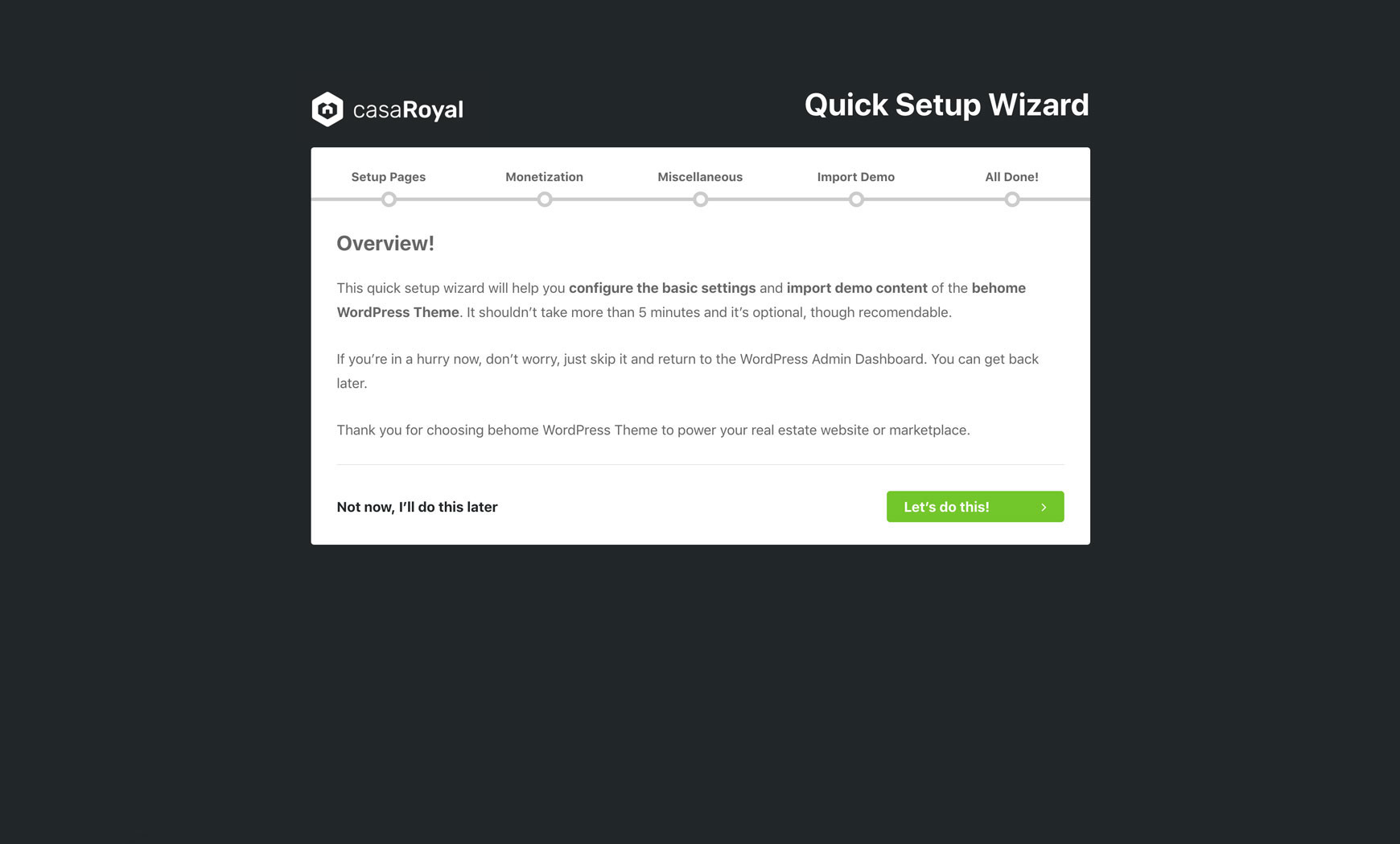
    Quick Setup Wizard overview screen with the steps Setup Pages, Monetization, Miscellaneous, Import Demo and All Done
  2. On the second step, the wizard sets up the required pages.
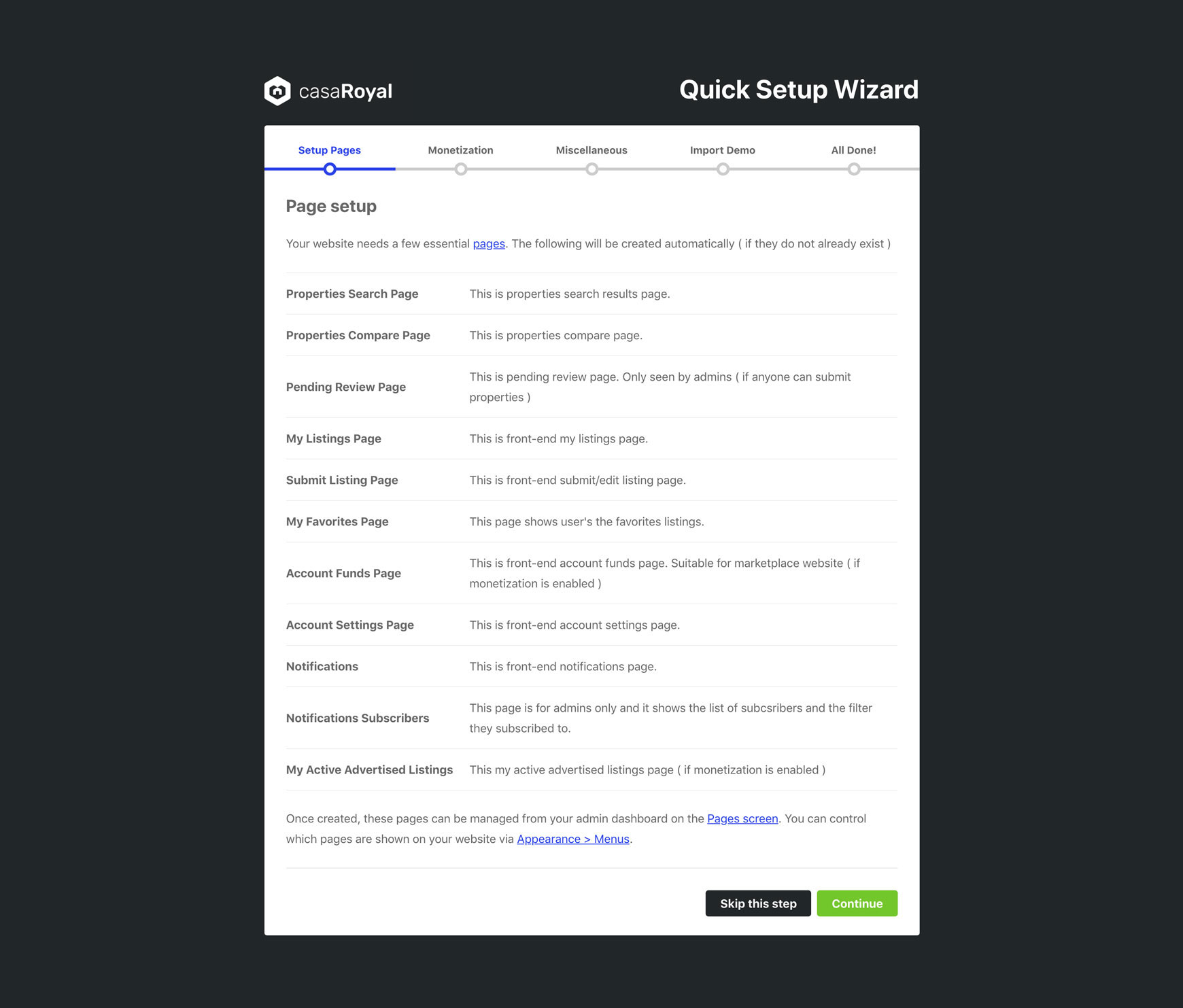
    Setup Pages step listing the pages the wizard creates automatically
  3. The third step is about monetisation, in case your website is a real estate marketplace.
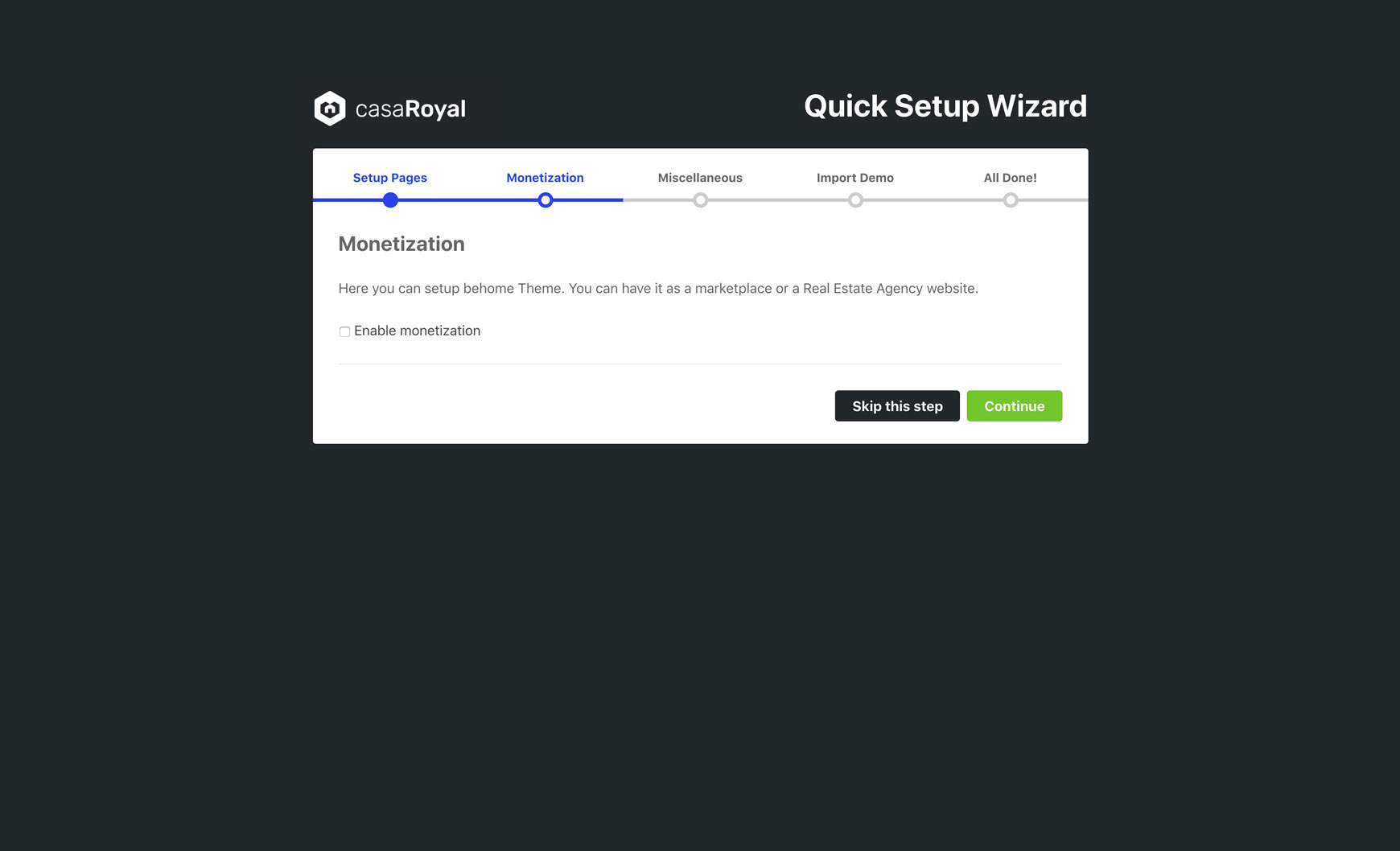
    Monetization step with an Enable monetization checkbox
  4. On the fourth step, you select the number of properties on a page and other tweaks.
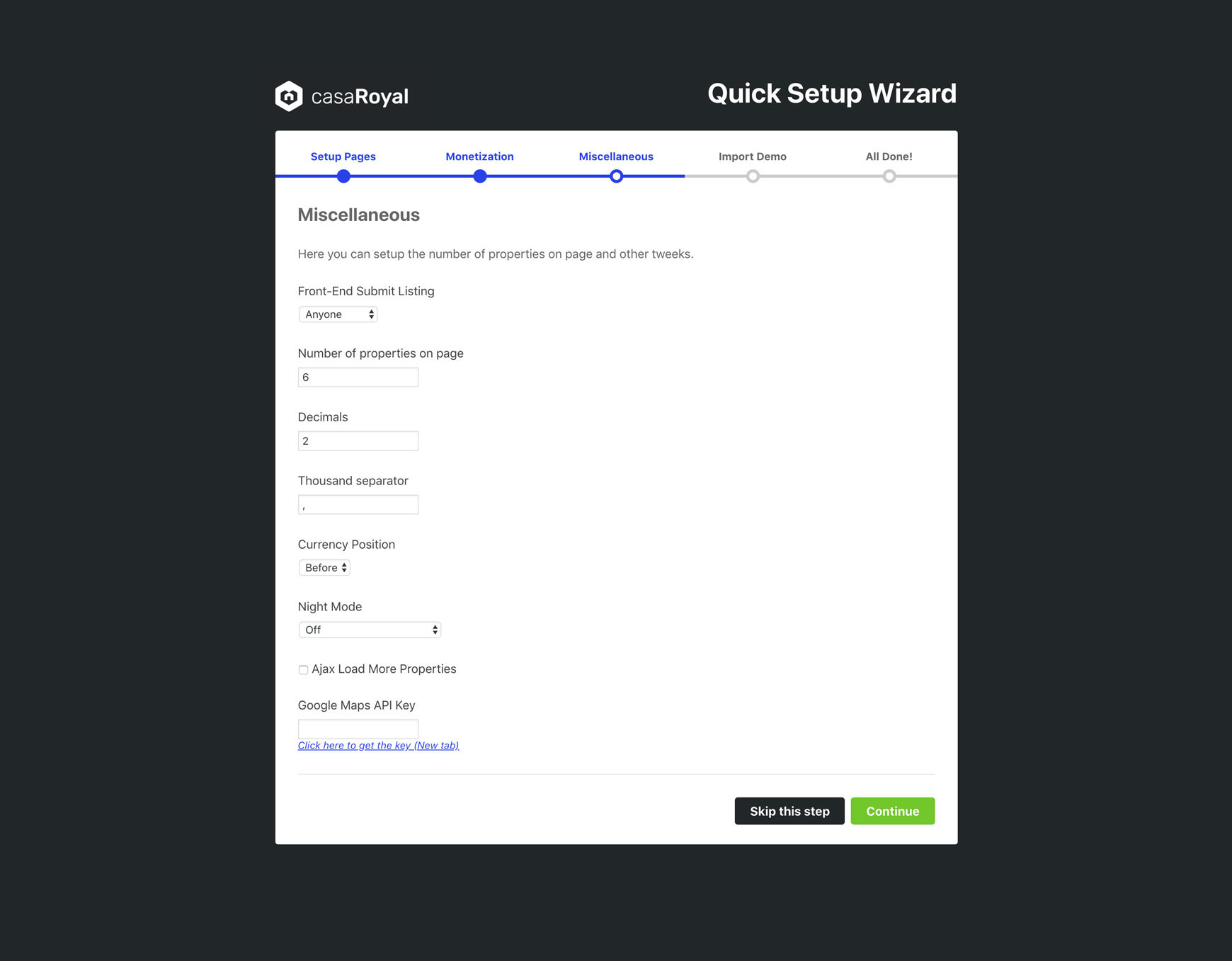
    Miscellaneous step with options such as Front-End Submit Listing, Number of properties on page, Decimals, Currency Position and Google Maps API Key
  5. On the fifth step, you can import the demo content.
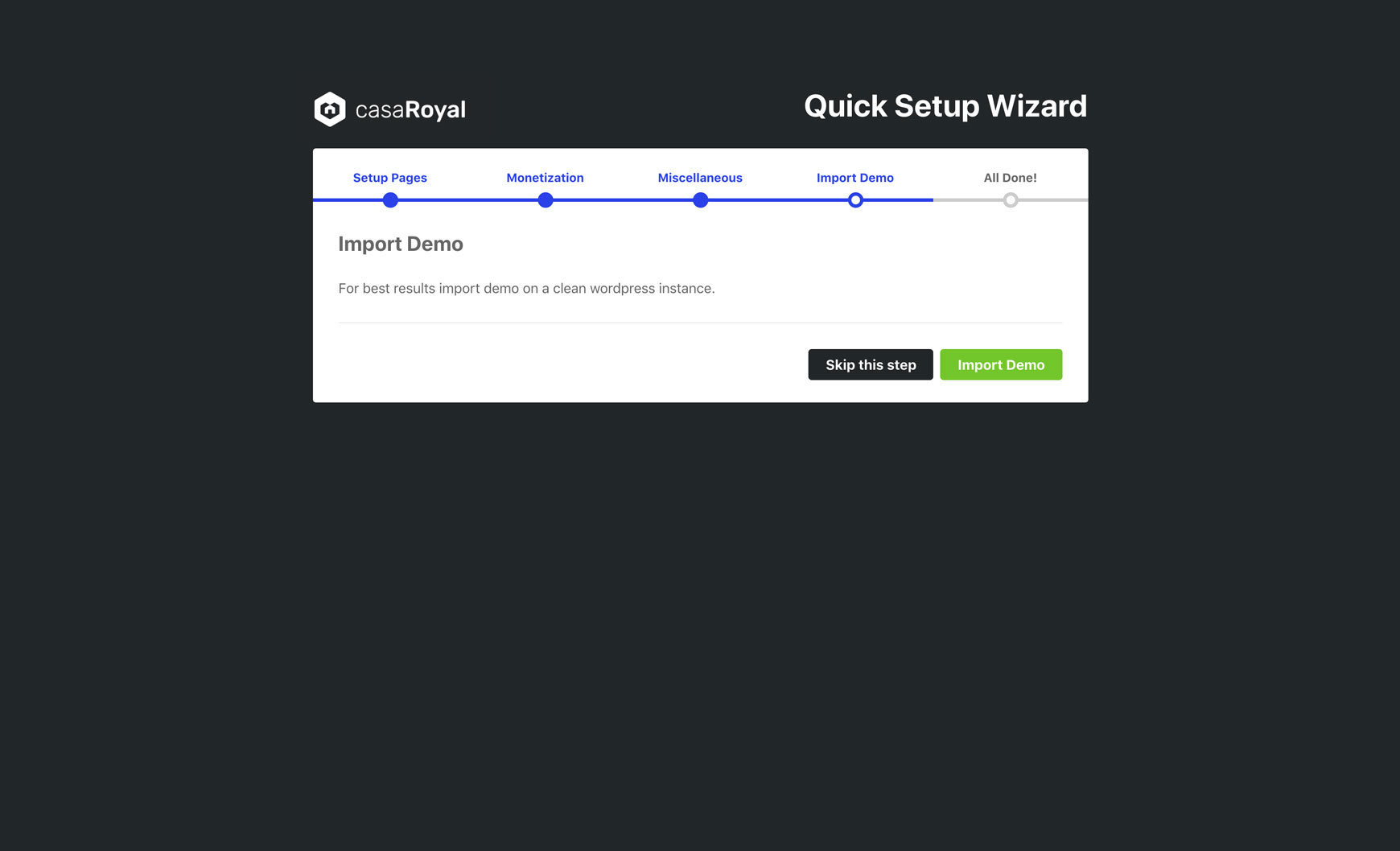
    Import Demo step with the Import Demo button

That is all. It should not take longer than 5 minutes. When we timed it, going from installing the theme to the final step of the quick setup wizard took 4 minutes and 30 seconds.
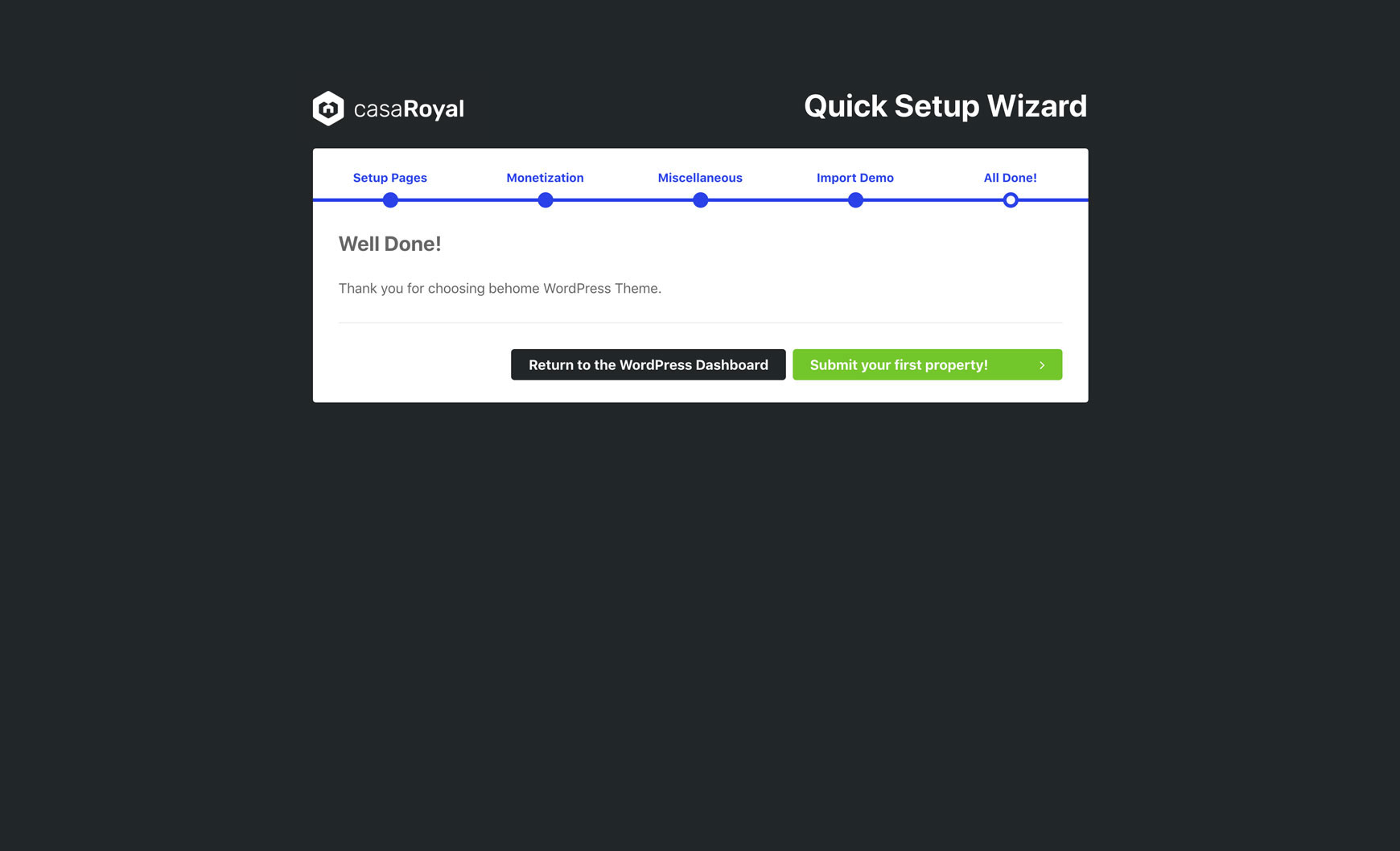
Final Well Done screen of the wizard, with buttons to return to the WordPress dashboard or submit your first property