FantasyThemes See the themes

Docs / casaRoyal / Settings

Main settings

casaRoyal uses the WordPress Customizer for its theme settings. You can open it in two ways.

From the back end, go to Appearance → Customize.
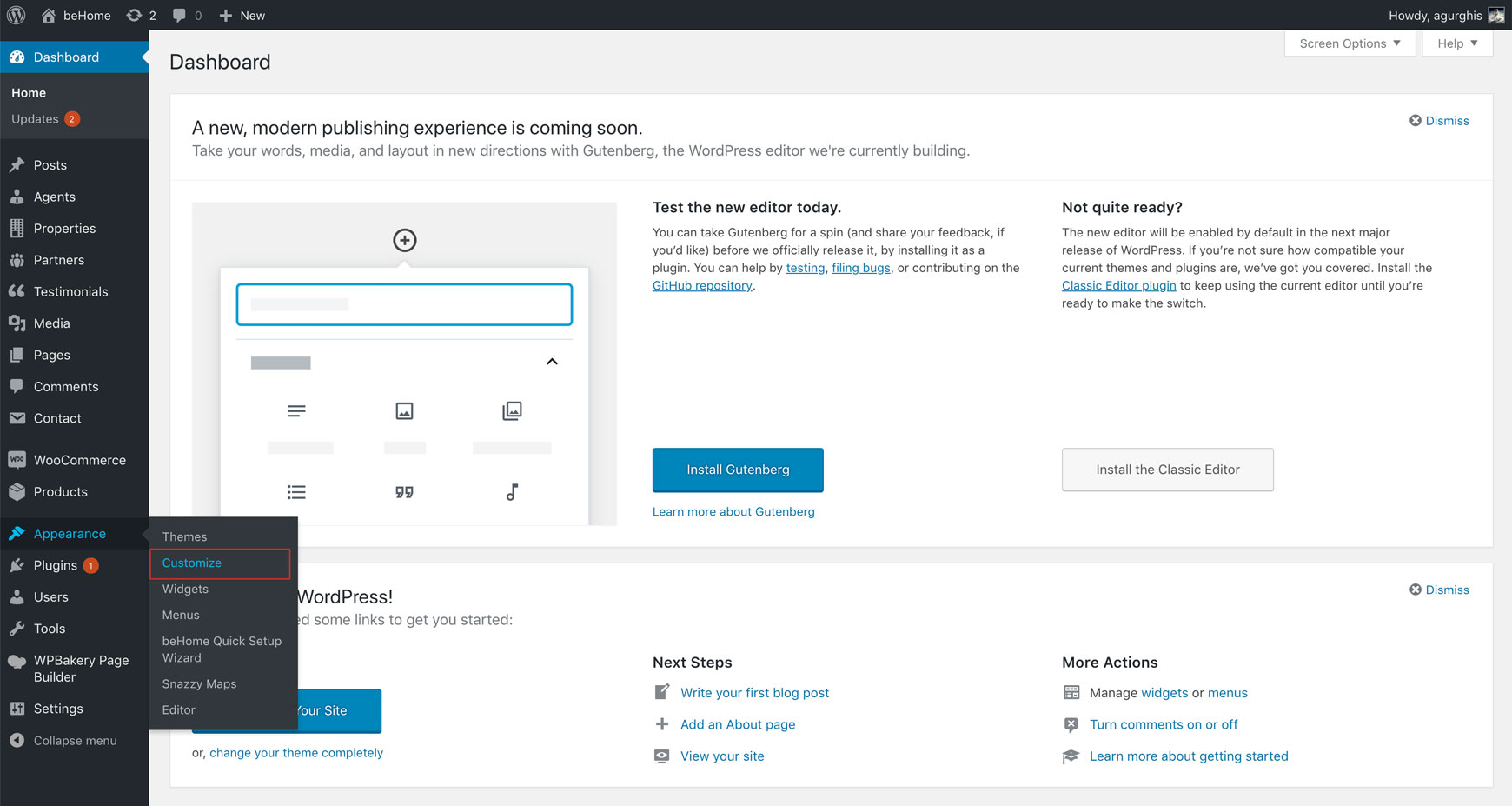
WordPress Appearance menu with Customize highlighted

From the front end, go to Admin bar → Customize.

Admin bar on the front end with the Customize link highlighted

Customizer sections

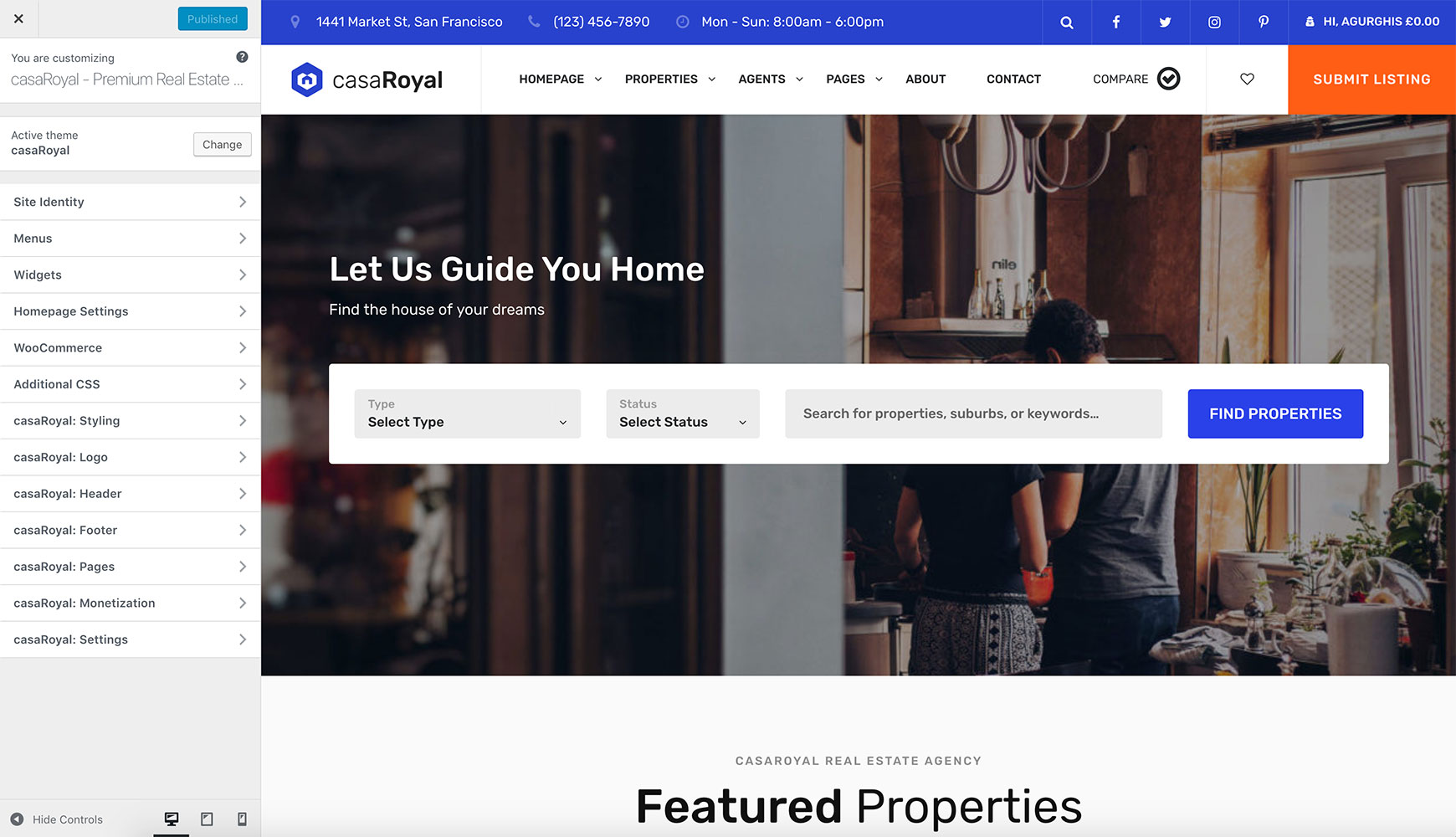
casaRoyal has seven main Customizer sections:

  • casaRoyal: Styling
    • Colors
  • casaRoyal: Logo
    • Logo
  • casaRoyal: Header
  • casaRoyal: Footer
  • casaRoyal: Pages
  • casaRoyal: Monetization
  • casaRoyal: Settings
    • Social
    • Miscellaneous
Customizer sidebar listing the seven casaRoyal sections, from casaRoyal: Styling to casaRoyal: Settings

casaRoyal: Styling

casaRoyal: Styling → Colors
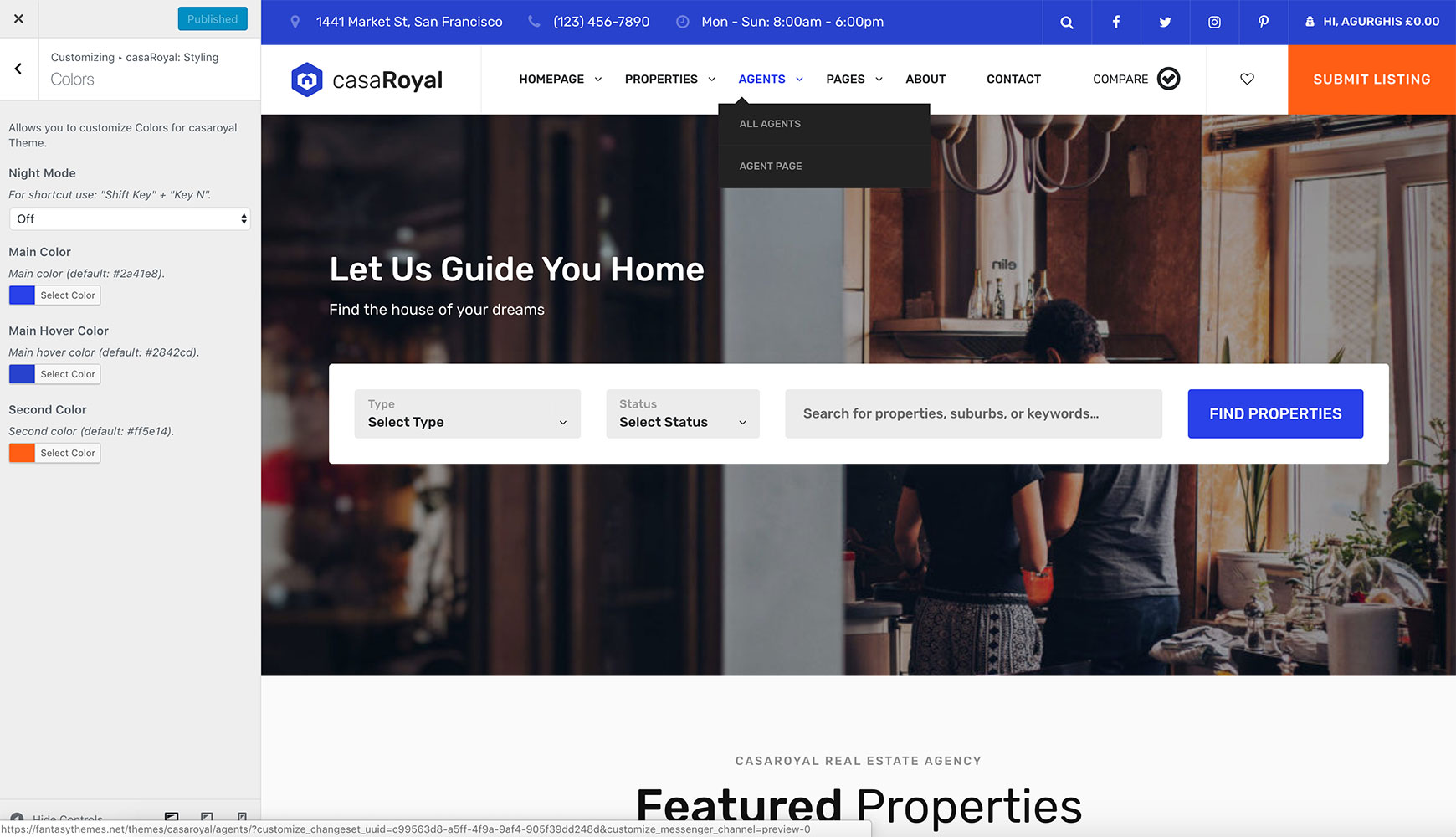
Colors panel with Night Mode, Main Color, Main Hover Color and Second Color options

casaRoyal: Logo

casaRoyal: Logo → Logo
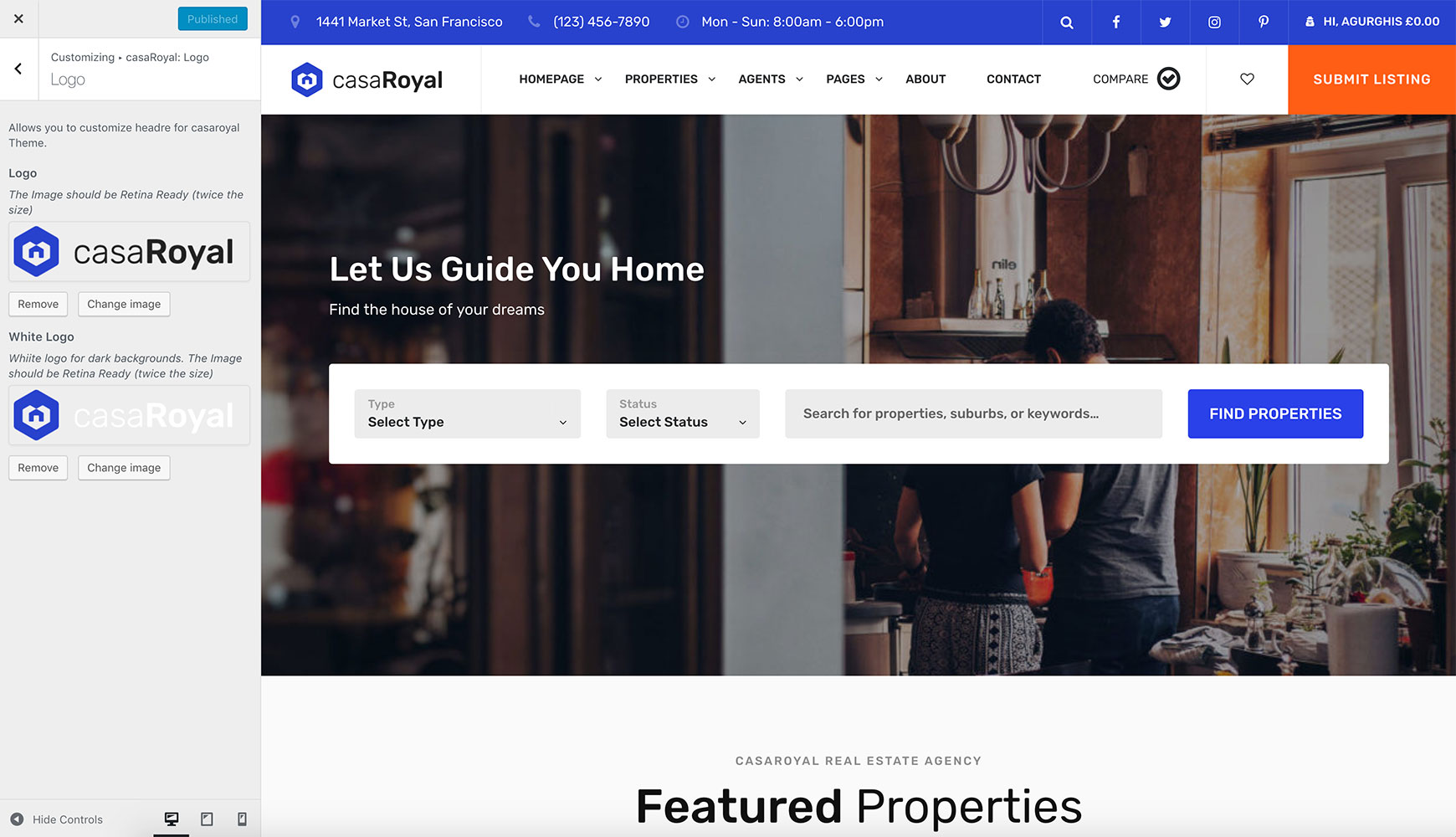
Logo panel with Logo and White Logo image fields

casaRoyal: Header

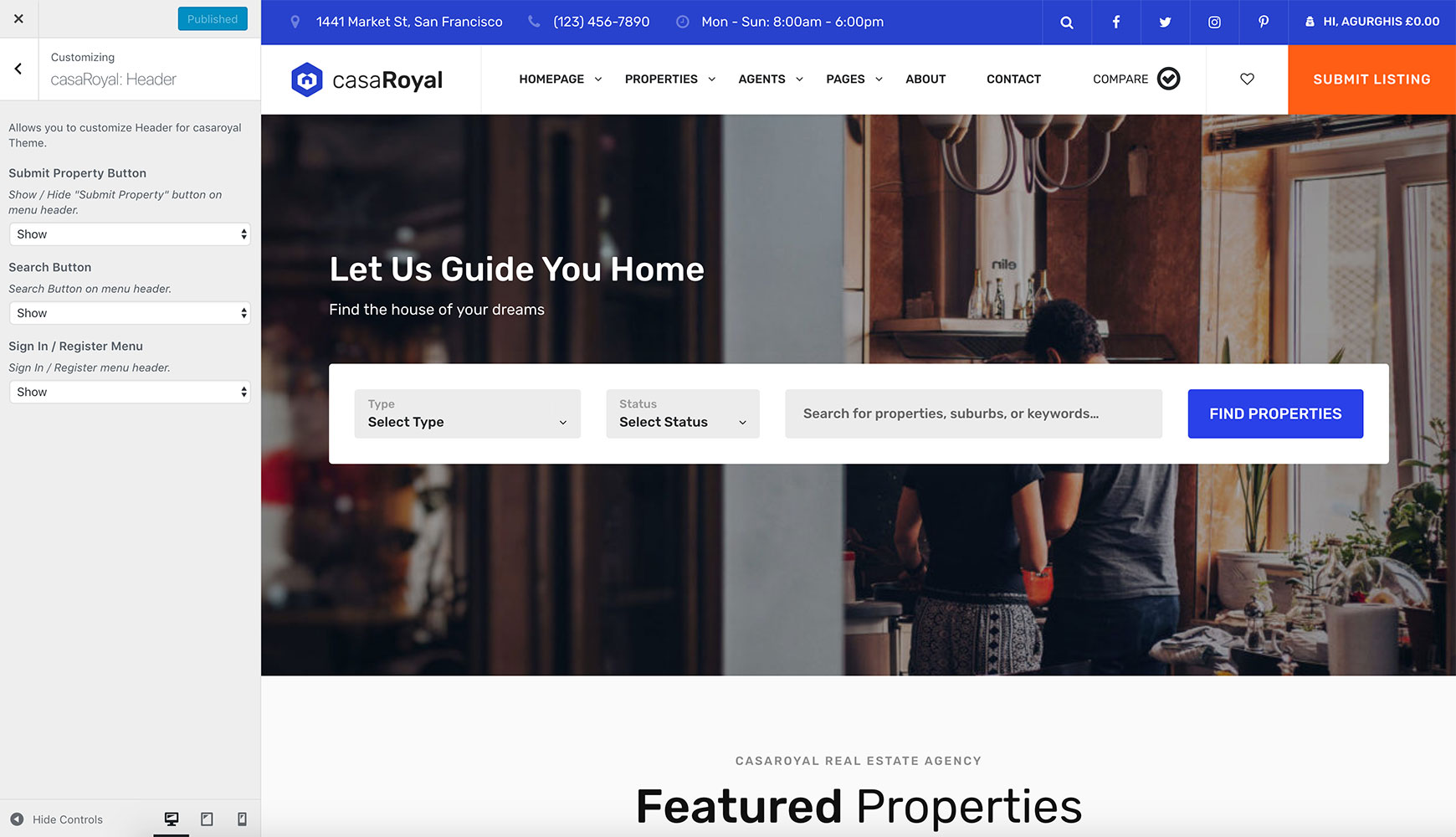
casaRoyal: Header panel with Submit Property Button, Search Button and Sign In / Register Menu options

casaRoyal: Footer

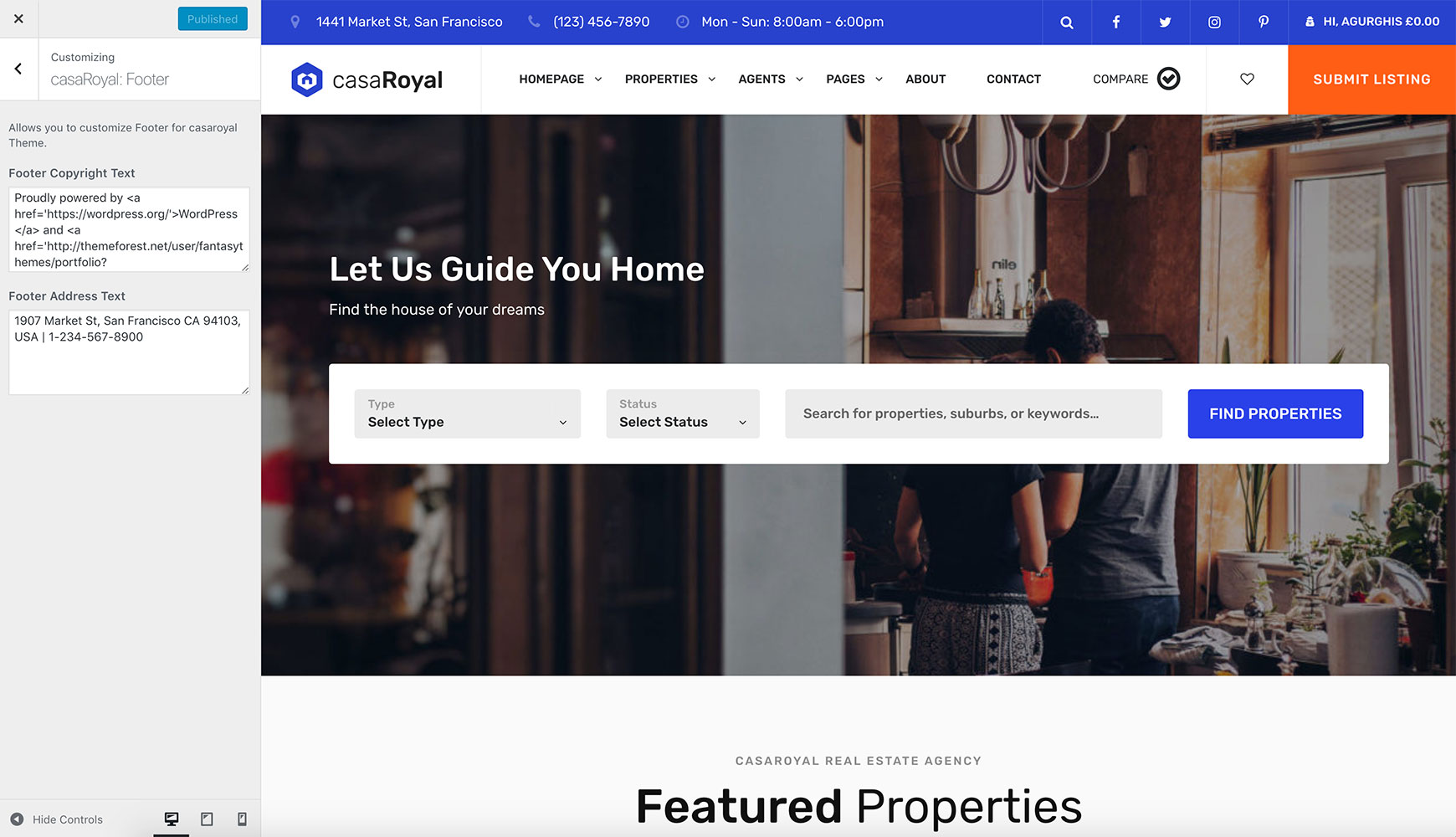
casaRoyal: Footer panel with Footer Copyright Text and Footer Address Text fields

casaRoyal: Pages

See Required pages.

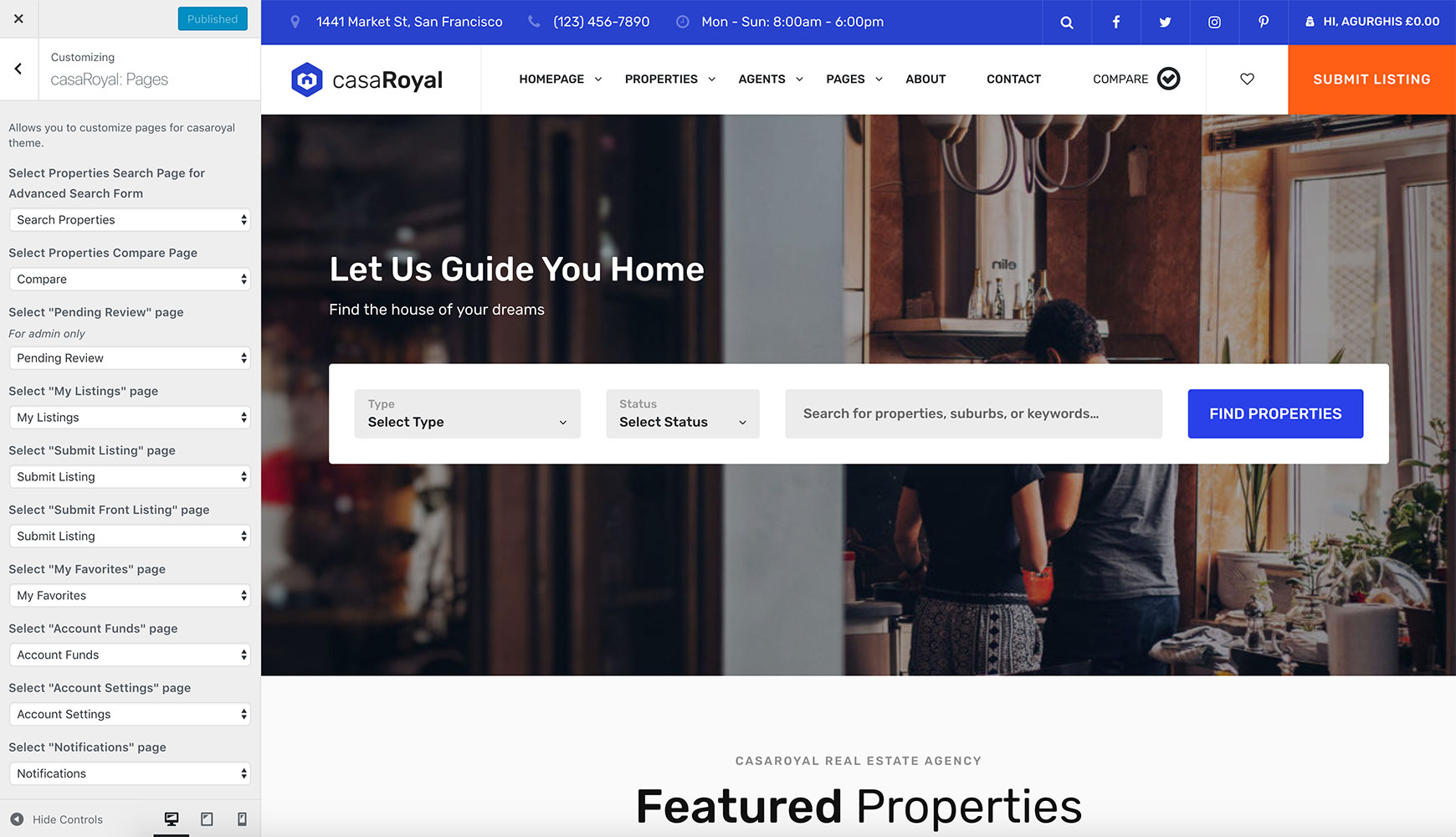
casaRoyal: Pages panel with a dropdown to select each required page

casaRoyal: Monetization

See Monetisation.
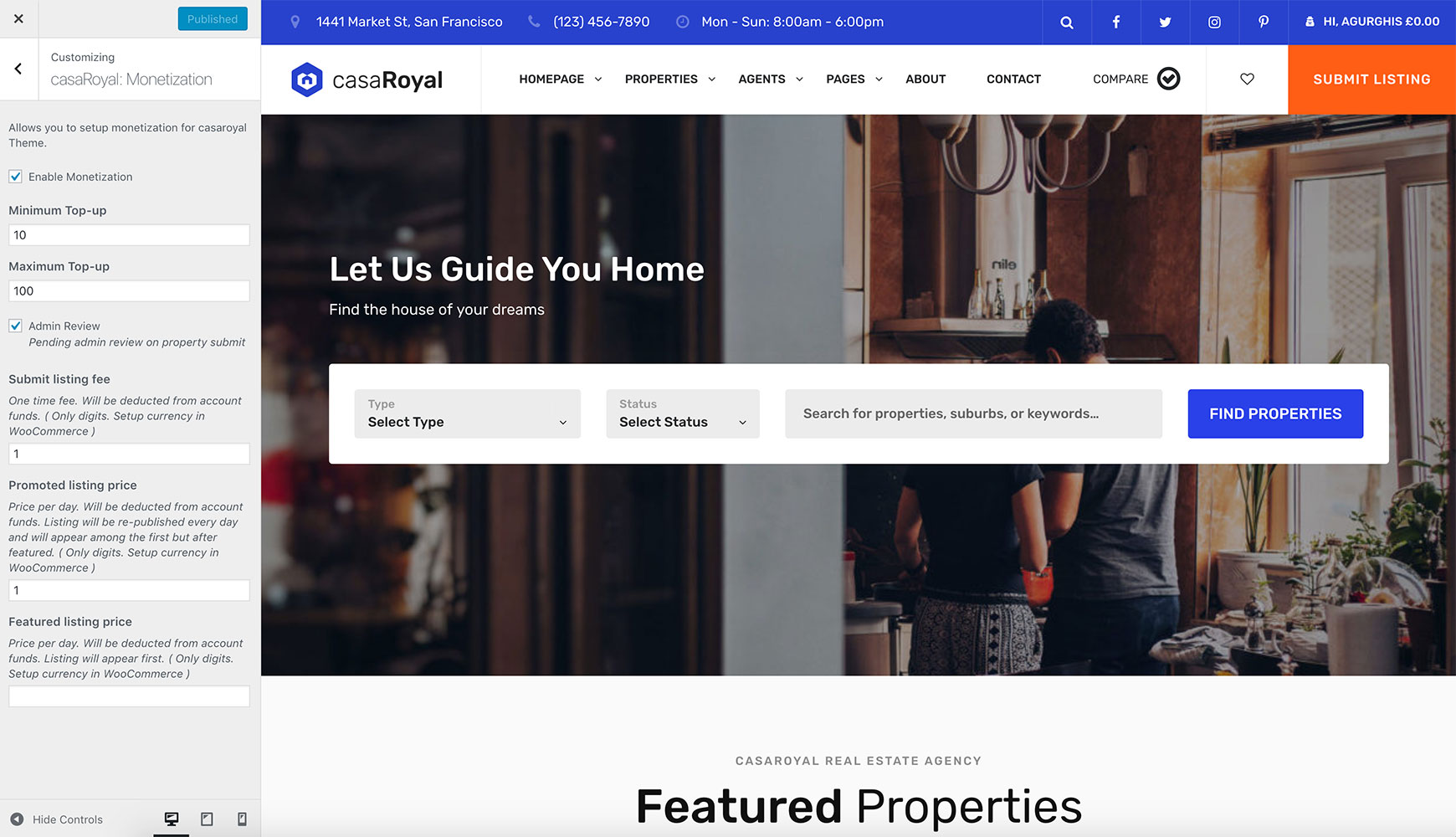
casaRoyal: Monetization panel with Enable Monetization, top-up limits, Admin Review, and listing fee and price fields

casaRoyal: Settings

casaRoyal: Settings → Social
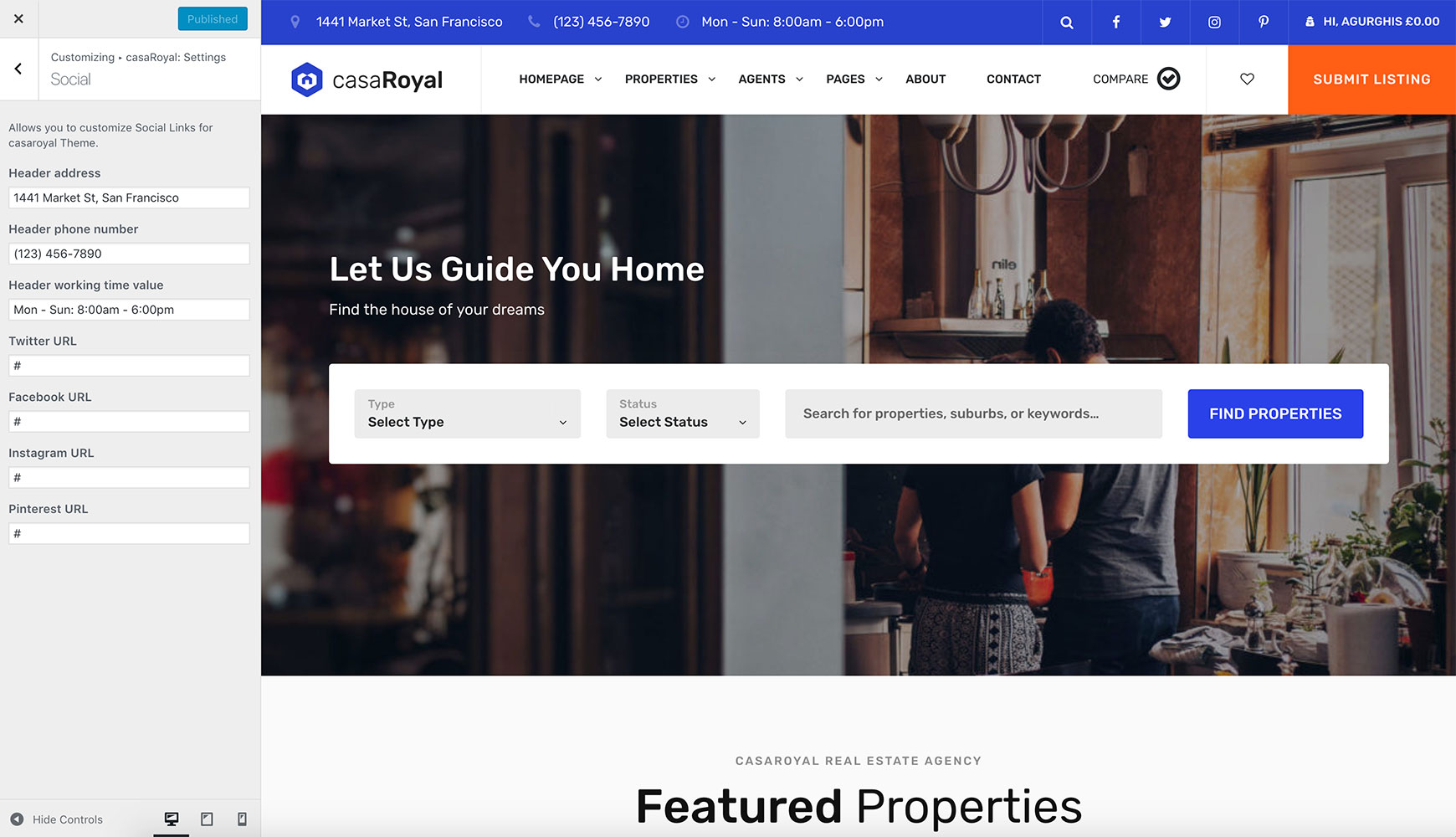
Social panel with header address, phone number and working time fields, and social network URL fields

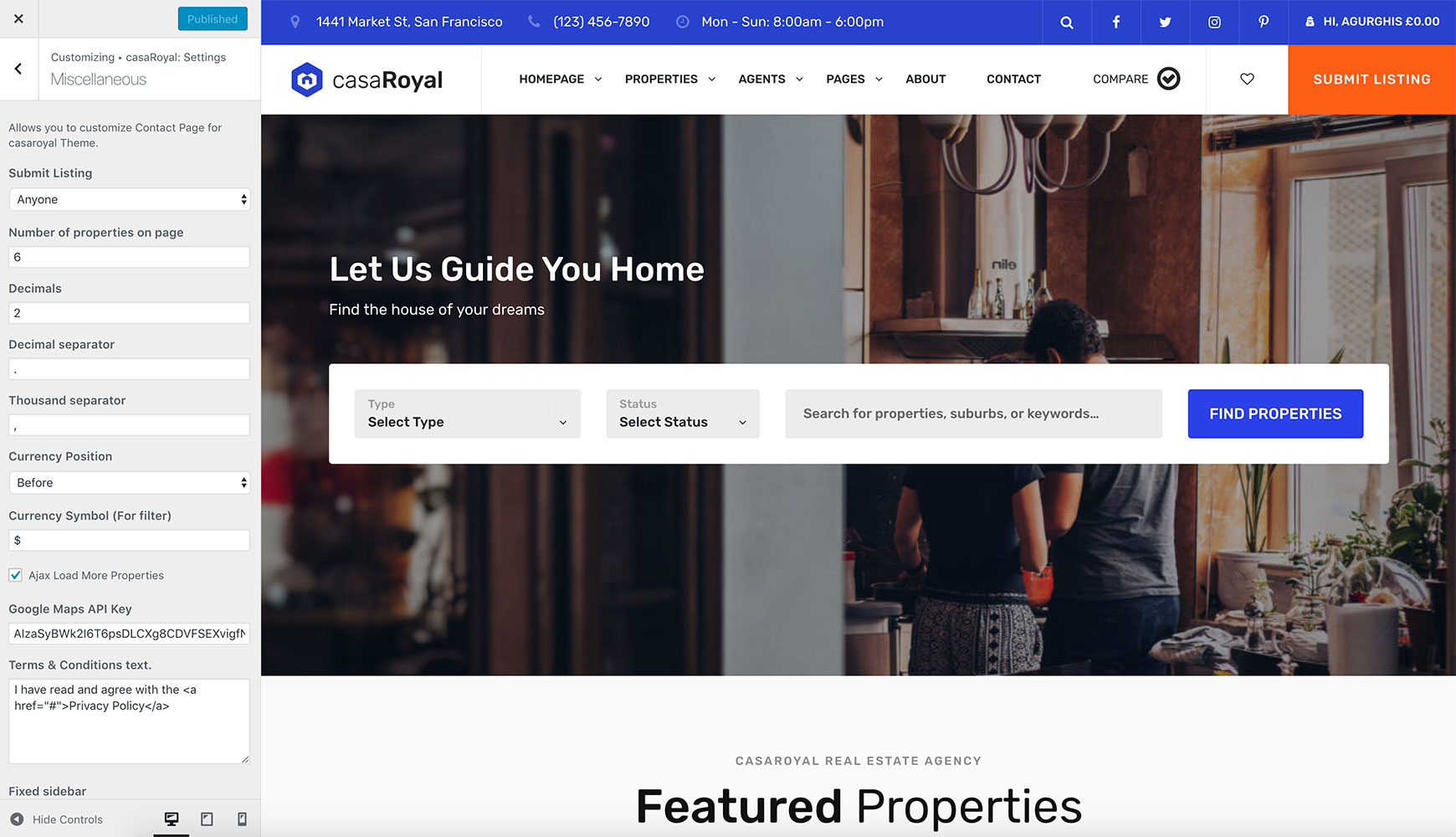
casaRoyal: Settings → Miscellaneous

Miscellaneous panel with Submit Listing, Number of properties on page, number format, currency and Google Maps API Key options