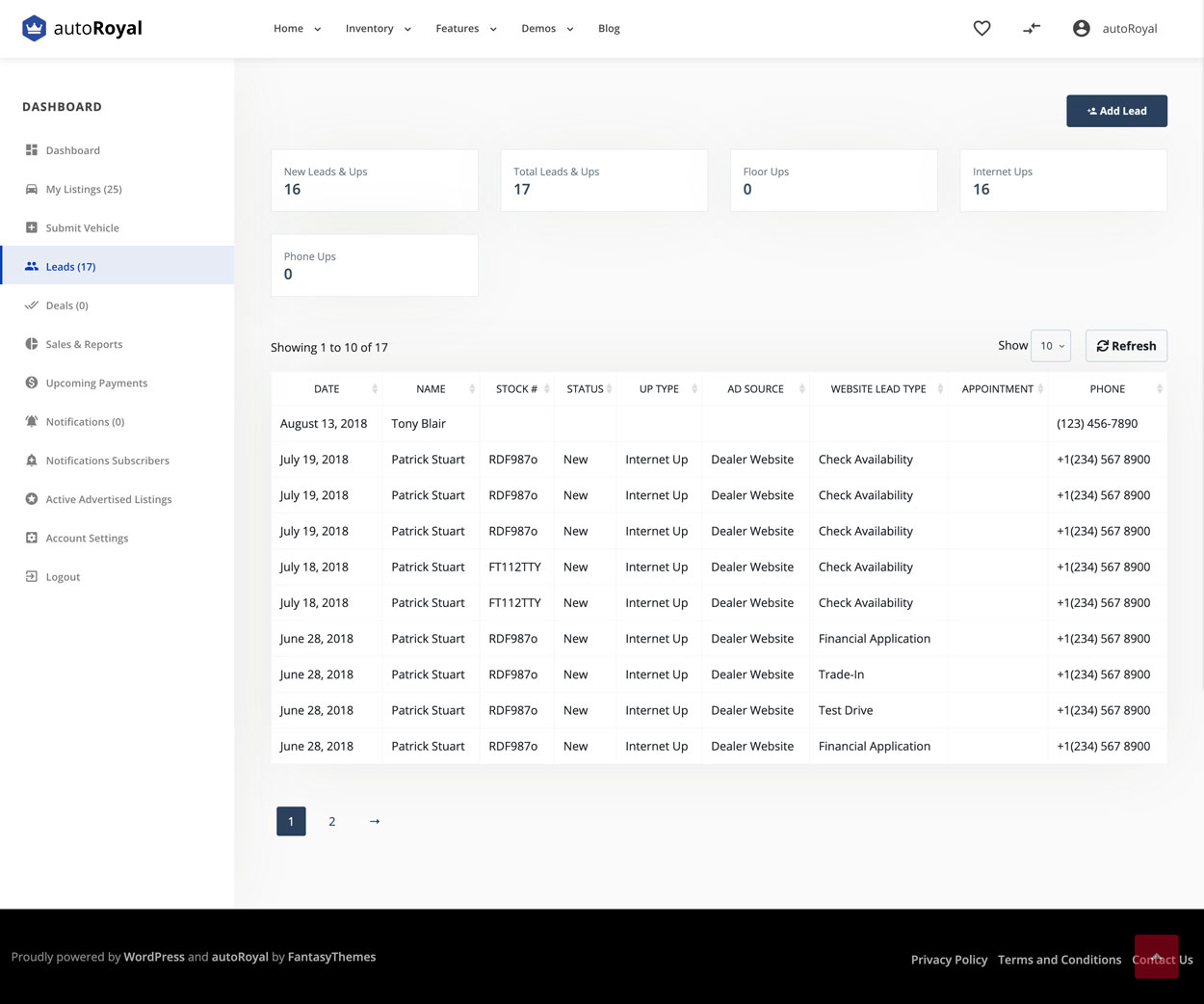
The leads page shows your leads.
A lead can be added in two ways:
- manually, by clicking the Add Lead button
- by a visitor who submits a form on a vehicle’s page: Pre Qualify Form, Financial Application, Request Test Drive or Trade In Form
These four forms are at the bottom of the vehicle page. You can also add them to new pages using shortcodes.
You can order leads by Date, Name, Stock #, Status, Up Type, Ad Source, Website Lead Type, Appointment and Phone.
Submit or edit a lead
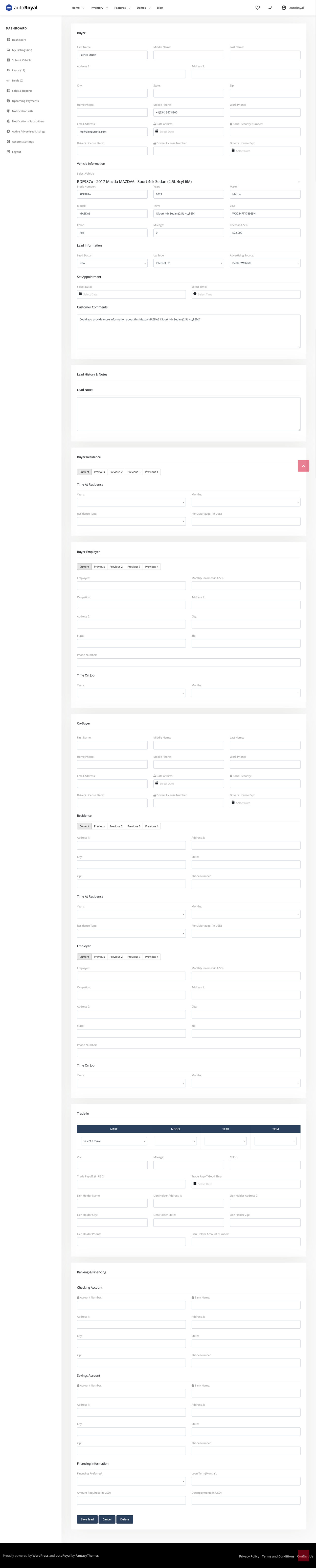
Here you have the full information about the lead.
If you chose Verify SSL Certification in the settings and the check returns a negative result, the sensitive data is hidden.