The inventory page shows your vehicles.
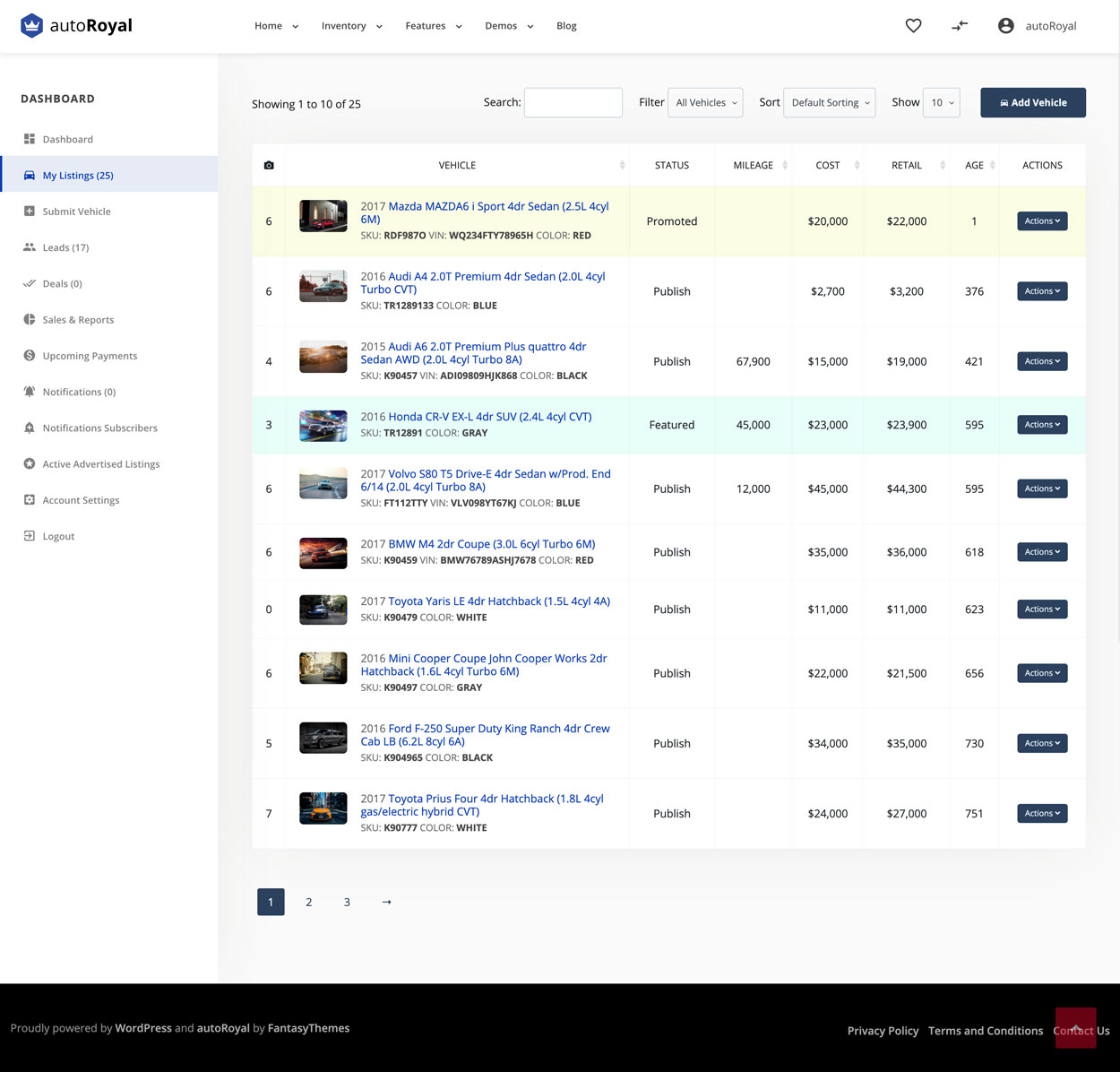
The actions for each vehicle are:
- edit the vehicle
- mark it as sold
- mark it as featured
- promote it
- add expenses
- duplicate the vehicle
- publish or unpublish it
- delete it
Featured vehicles always appear first on the all cars page and on the search page. If your website is a marketplace and you added a price for featured vehicles, it is charged every day.
Promoted vehicles always appear first after featured vehicles on the all cars page and on the search page. They are republished every day. If your website is a marketplace and you added a price for promoted vehicles, it is charged every day.
A vehicle is marked as sold if you select it in a deal.