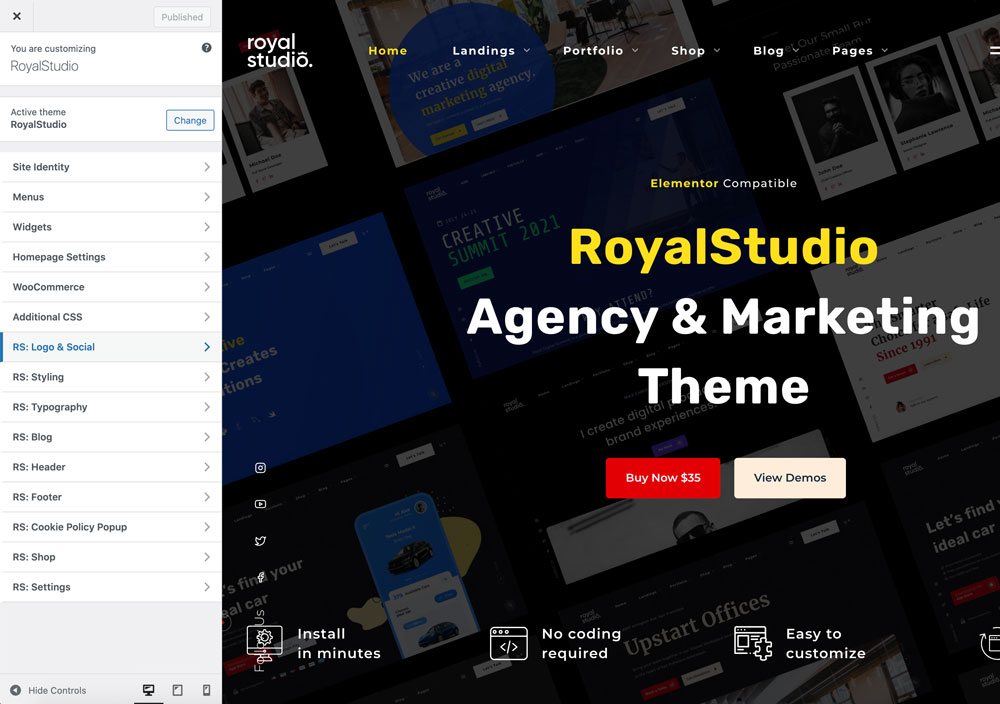
The main Customizer categories are:
- RS: Logo & Social
- RS: Styling
- RS: Typography
- RS: Blog
- RS: Header
- RS: Footer
- RS: Cookie Policy Popup
- RS: Shop
Logo and social
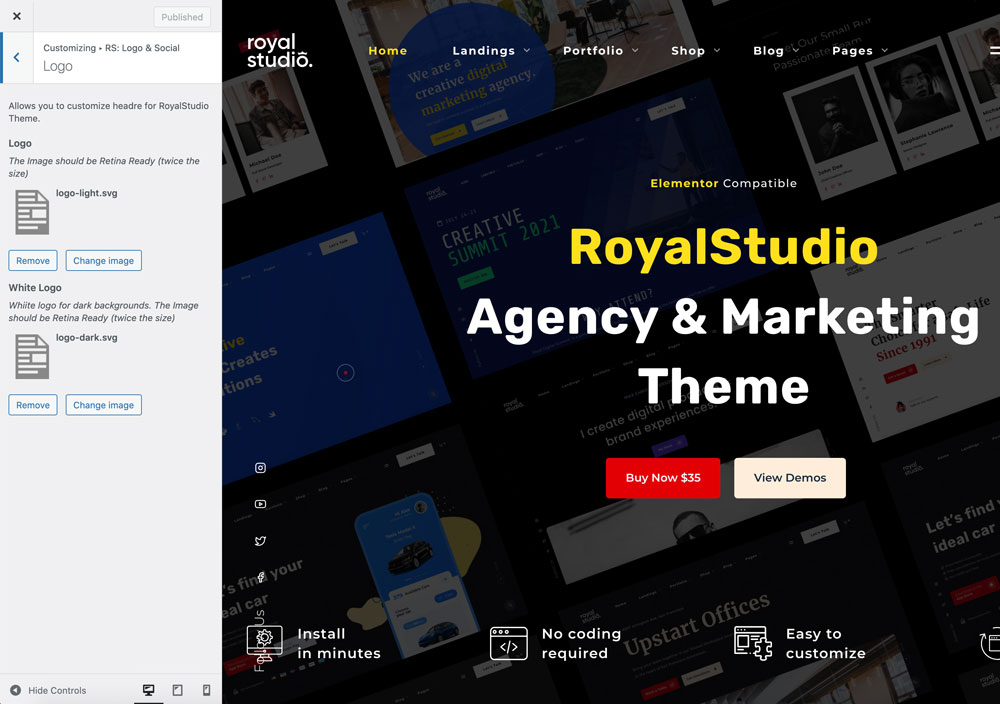
Logo
Here you can set up the logo (light and dark versions).
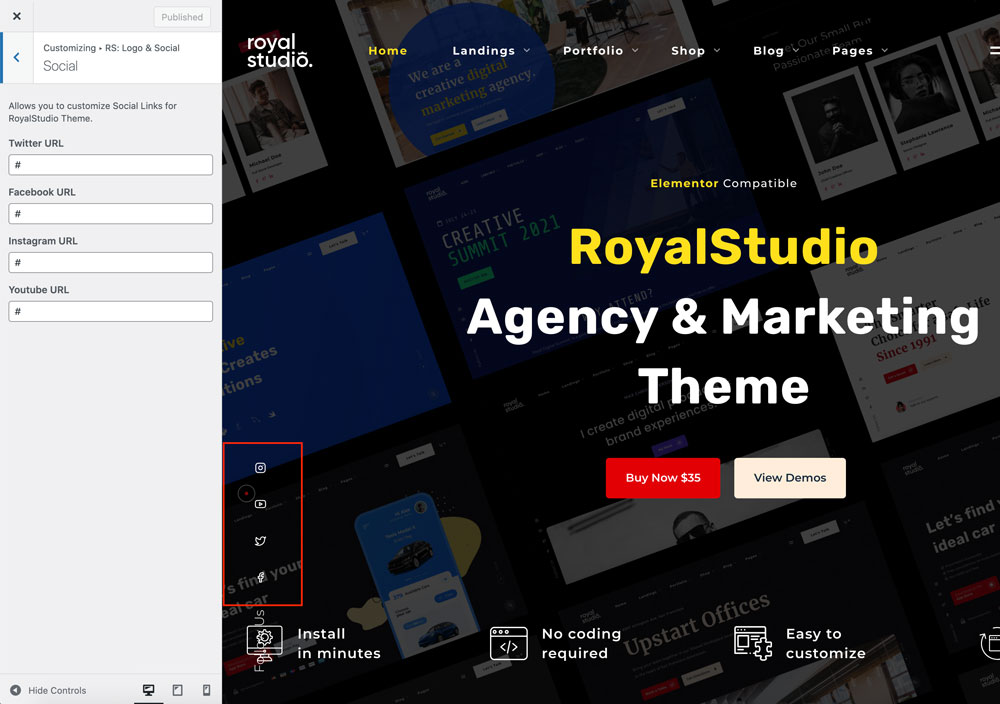
Social
Here you can set up the social links on the left side.
Styling
Colours
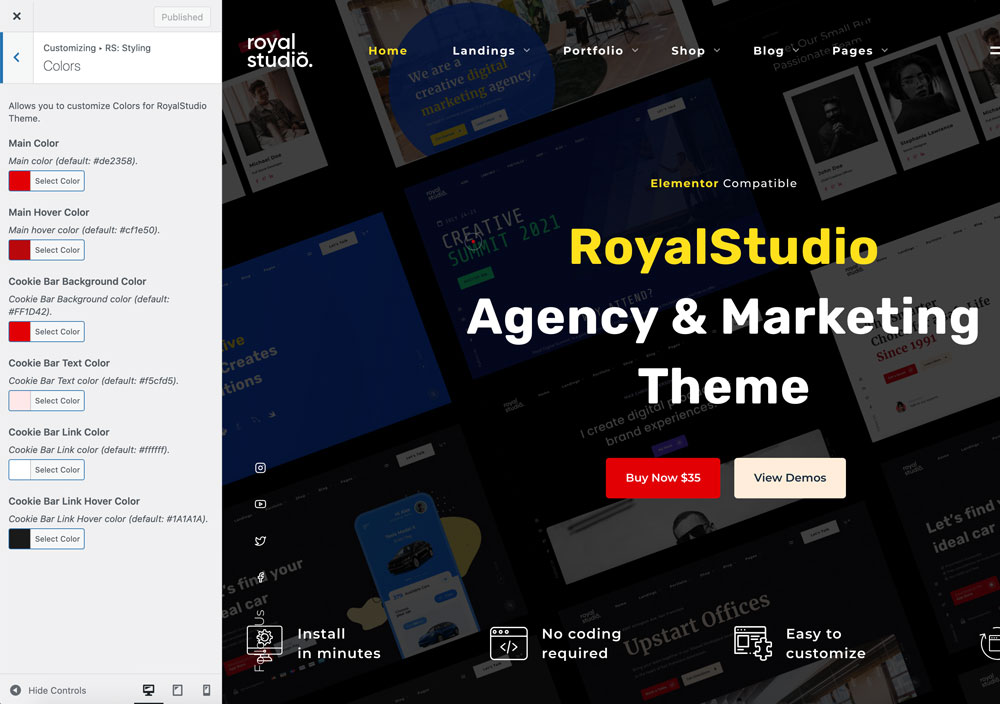
In RS: Styling → Colors you can set up the website accent colours. You can override them on each page with the Elementor page settings.
CTA menu button
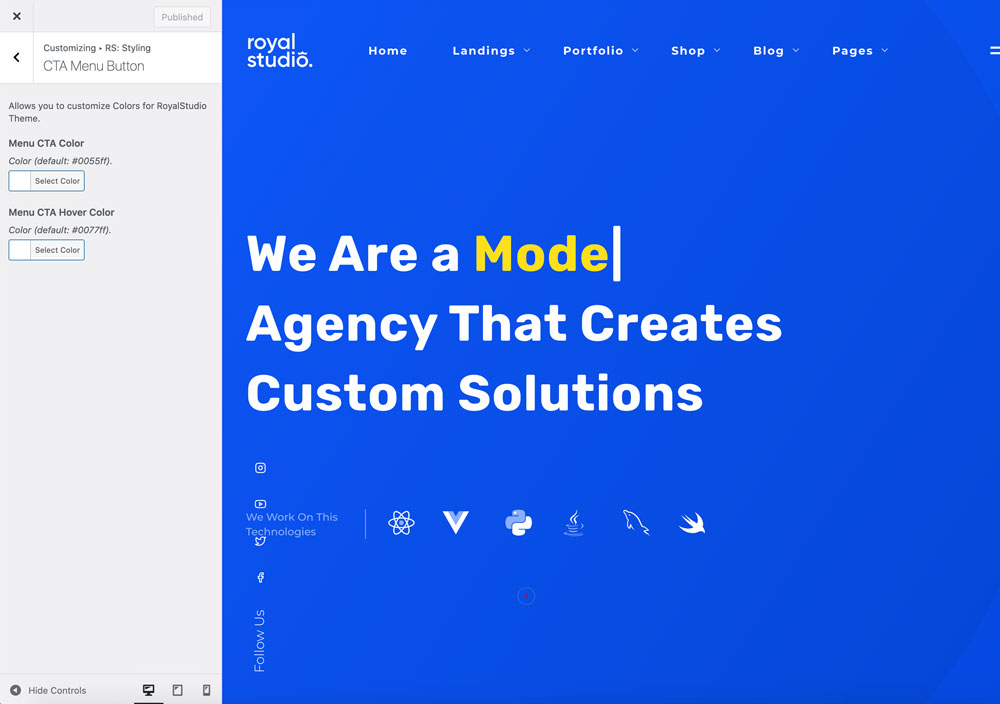
In RS: Styling → CTA Menu Button you can set up the colours for the CTA menu button.
Typography
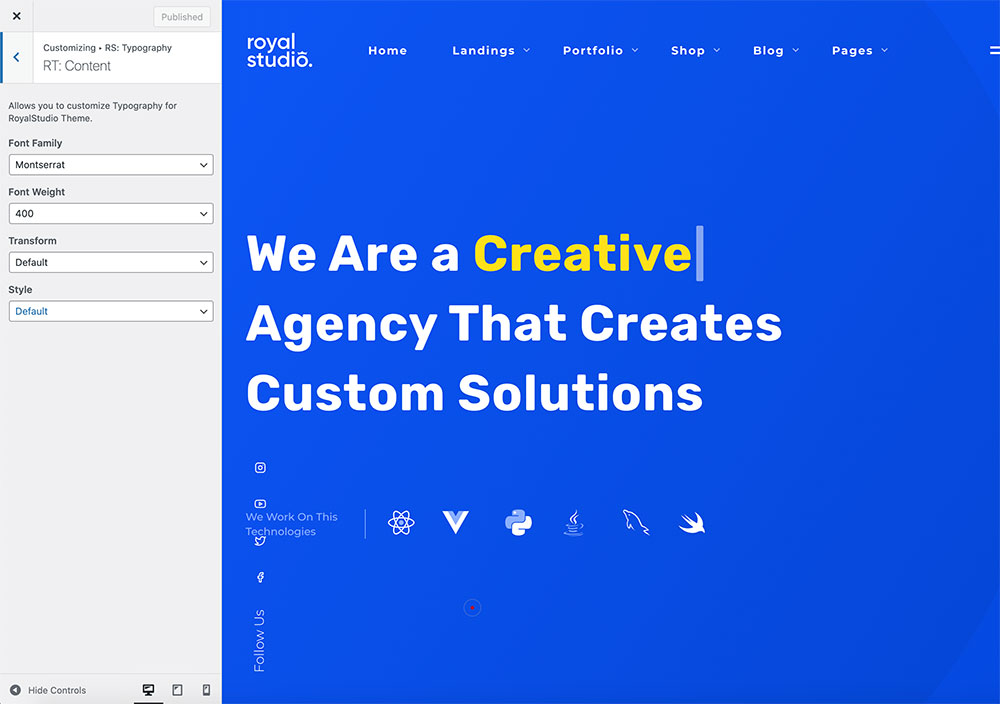
Here you can set up the typography for:
- Content
- Main Menu
- Fullscreen Menu
- Headings
Blog
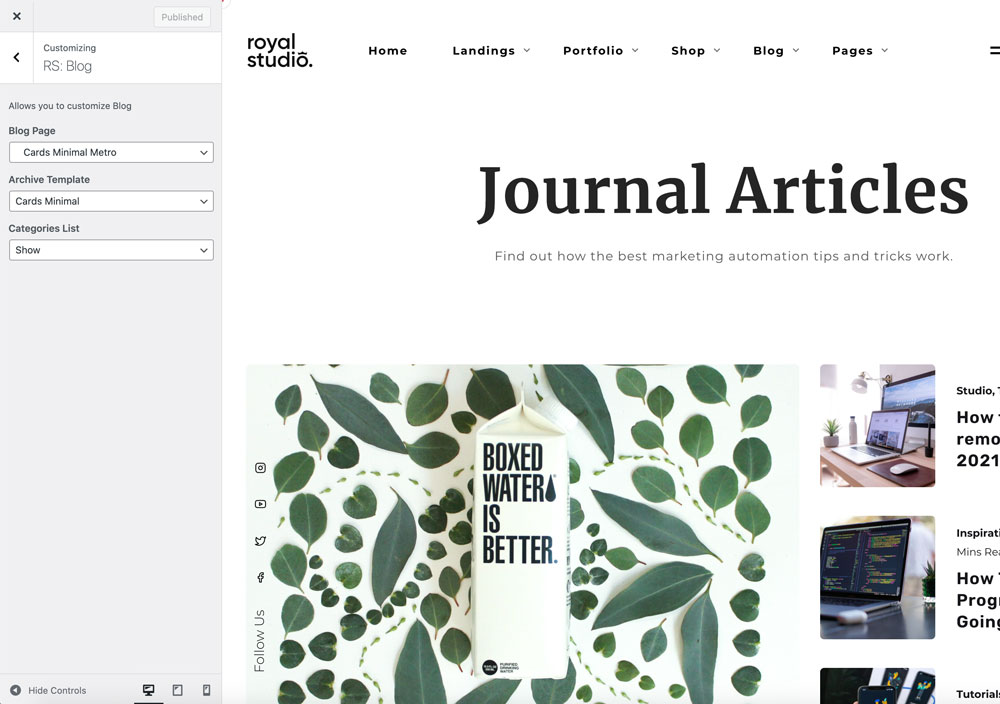
Here you can set up the blog page layout.
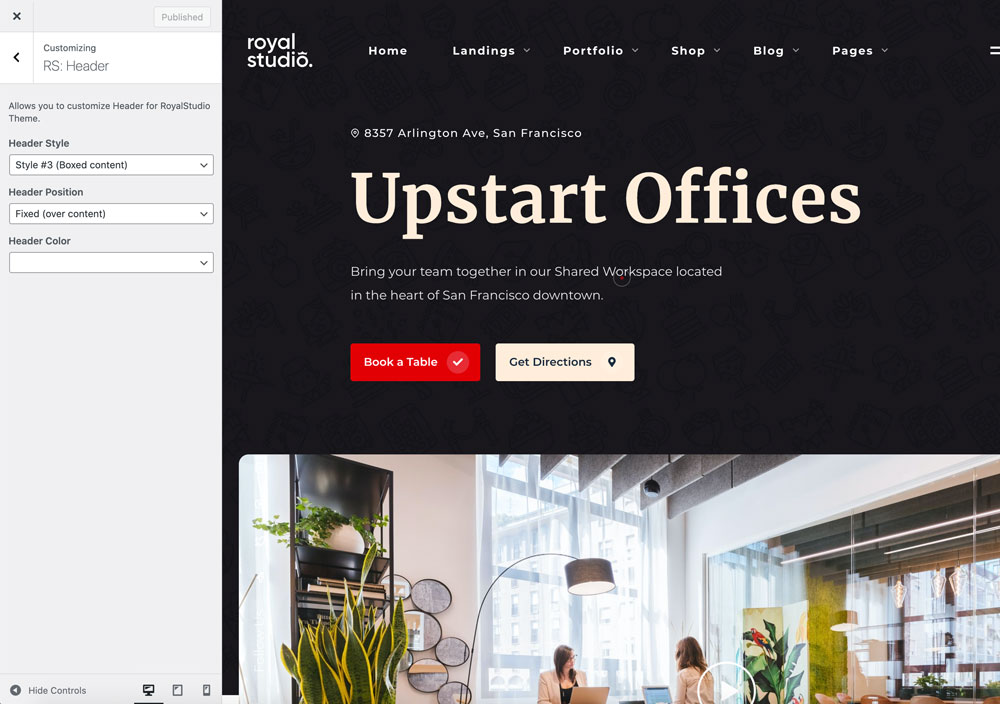
Header
Here you can customise the header layout and colour style.
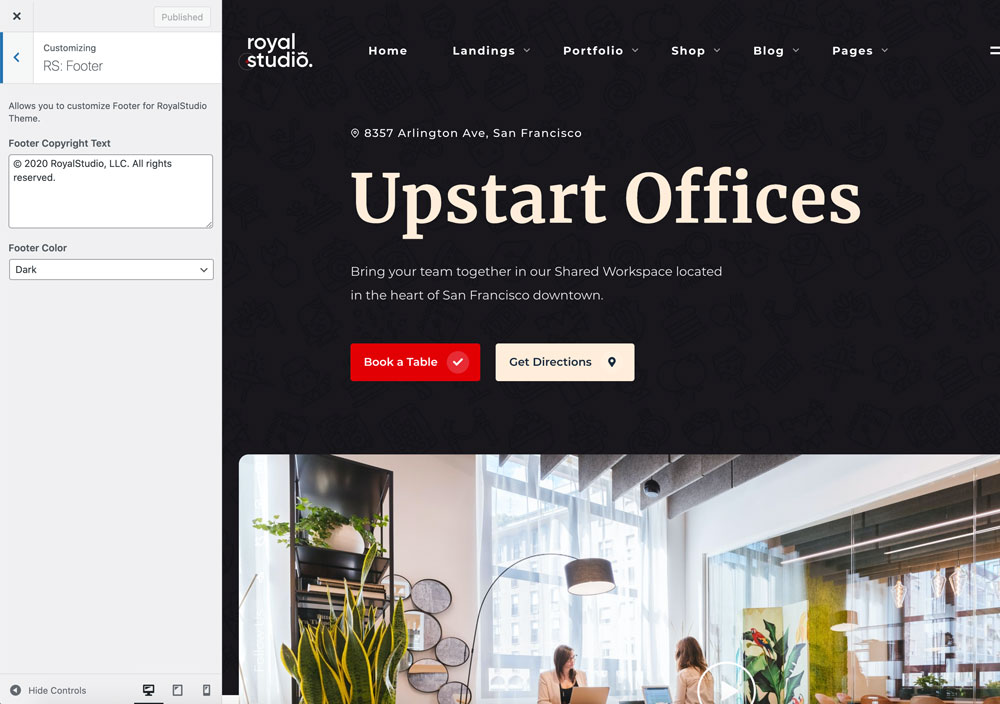
Footer
Here you can set up the footer copyright text and colour style.
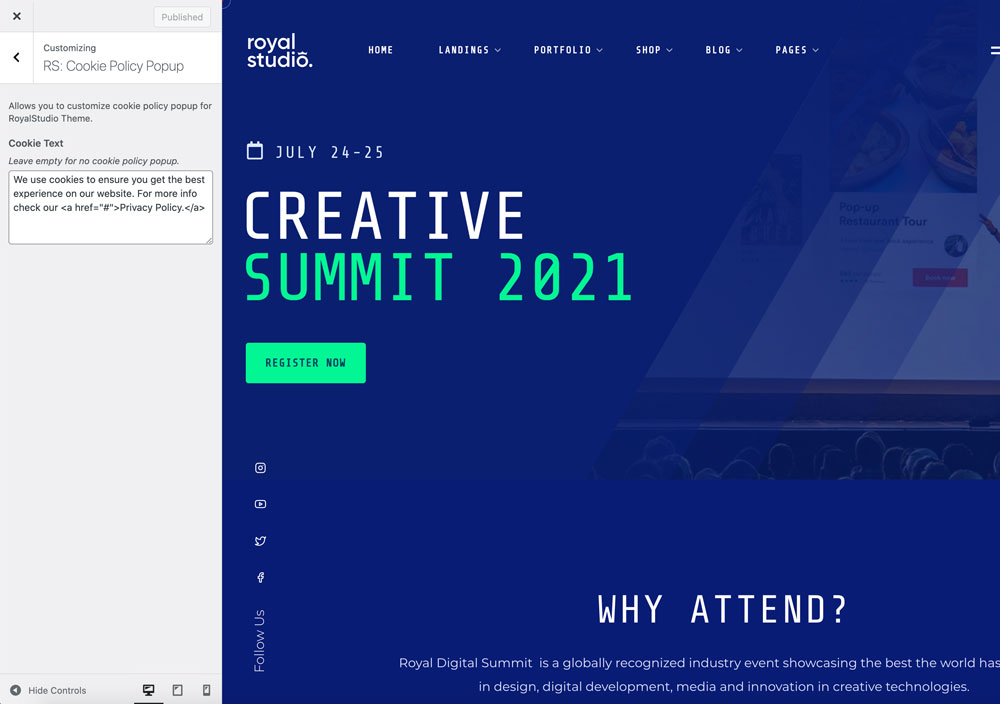
Cookie policy popup
Here you can set up the cookie policy text. The style is customised in the RS: Styling section.
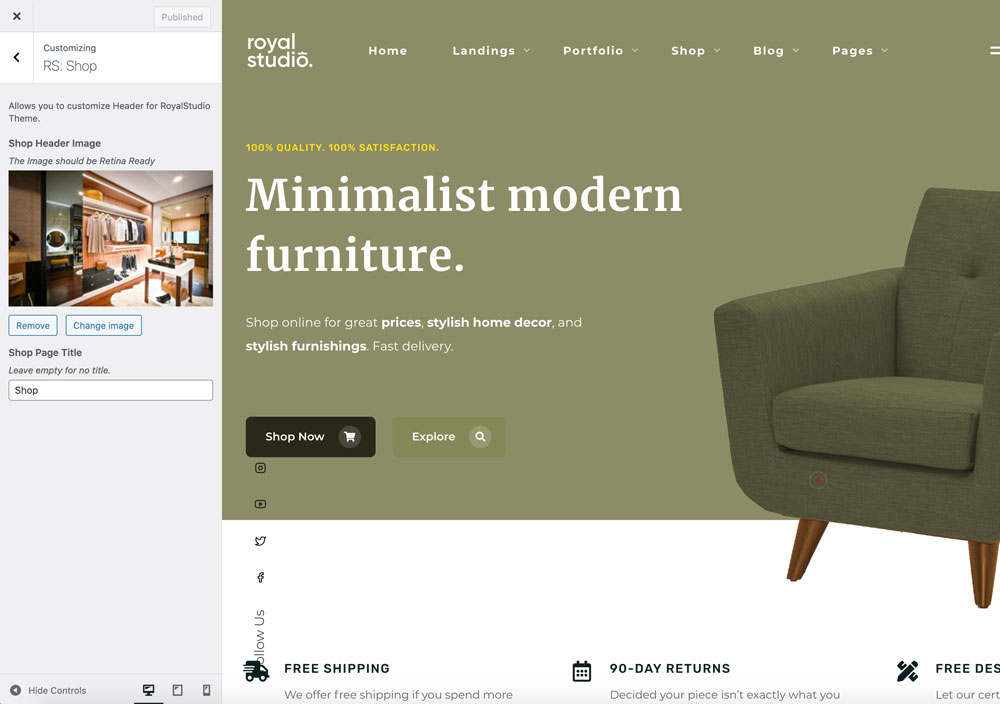
Shop
Here you can customise the shop header image and the shop page title.